Creating folders and adding and removing home screens
iPhone 16 Pro Max
Creating folders and adding and removing home screens
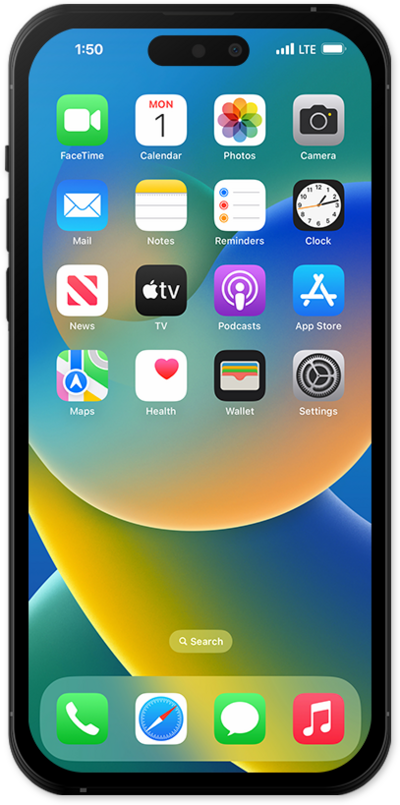
Creating folders on your Home Screen can help keep you organized. You can create folders for categories of apps such as Banking, Travel, Utilities, Social Media and more to customize your device.
1.
From the Home screen, touch and hold an app.
2.
Tap Edit Home Screen.
3.
From this screen, you can perform a variety of actions:
- Reorder or remove apps and widgets
- Create folders by dragging apps onto each other
- Use the Edit menu to add new widgets, customize icons and wallpapers, and edit your home pages
4.
You've completed the steps!
