Using turn-by-turn navigation
Galaxy A17 5G
Using turn-by-turn navigation
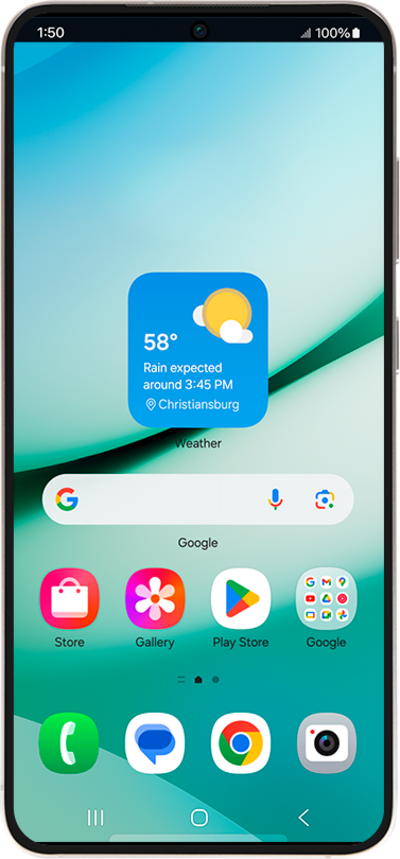
The Maps application can help guide you to your destination with turn-by-turn navigation. You can also use the Maps app to search for nearby places such as restaurants or grocery stores.
1.
From the Google Maps main screen, tap the Go icon.
2.
Tap the Choose destination field and enter a destination.
3.
Select a result.
4.
Tap Start to begin navigating.
5.
You've completed the steps!
