Adding emergency information to your Lock screen
Galaxy S20 Ultra 5G
Adding emergency information to your Lock screen
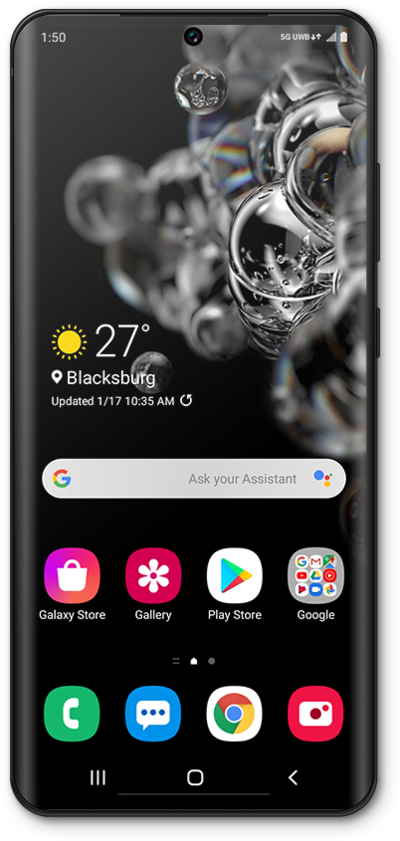
Emergency contact information can be added to your lock screen. In case of emergency, someone can look at your emergency information to discover who to contact for you. Your emergency phone information can appear on your lock screen.
1.
From the Settings app, scroll to Lock screen.
2.
Tap Lock screen.
3.
Tap EDIT Lock screen .
4.
Tap Contact information.
5.
Enter the information you'd like to be displayed on your Lock screen.
6.
Tap Done.
7.
You've completed the steps!
