In this tutorial, you will learn how to:
• Set up security lock
• Log in using the security lock
• Lock device
• Change lock screen timeout
Set up screen lock
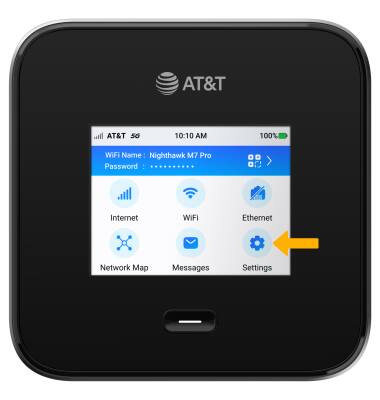
1. From the device home screen, select Settings.
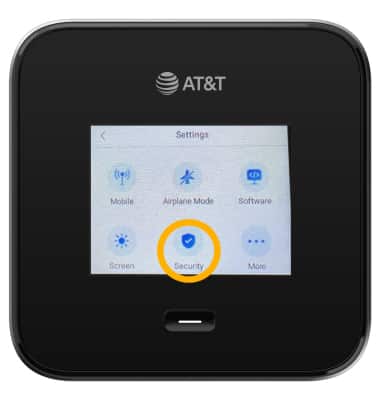
2. Select Security.
3. Select Screen Lock.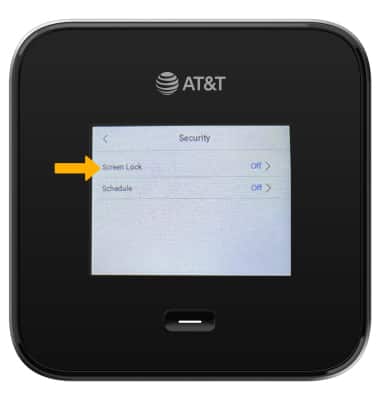
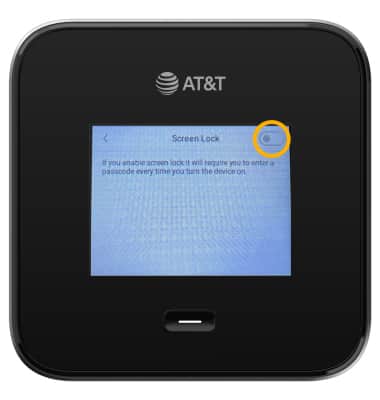
4. Select the Screen Lock switch and follow the prompts to complete set up.
Log in using the screen lock
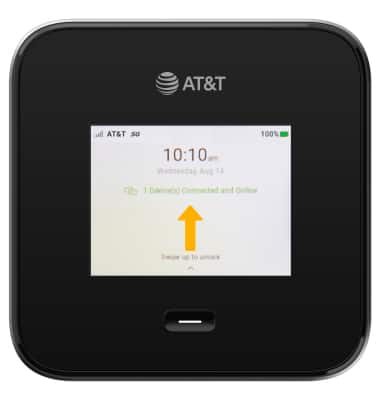
1. Swipe up from the device home screen.
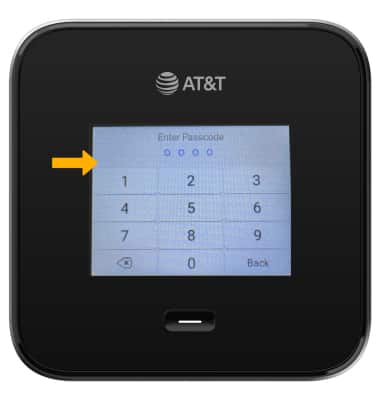
2. Enter the device passcode.
Lock device
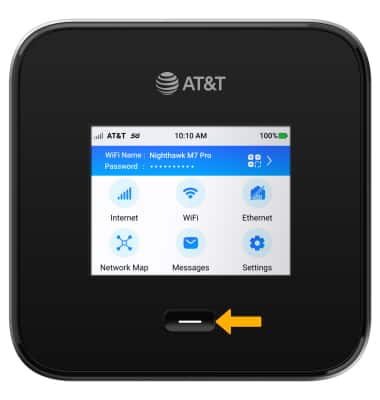
Press the Power button on the front of the device.
Change lock screen device
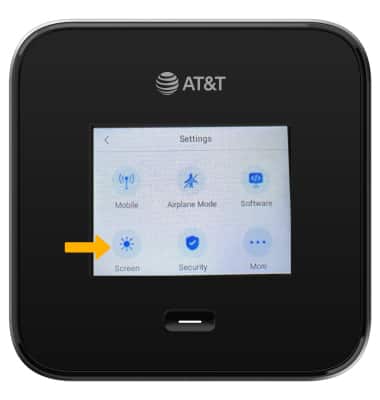
1. From the Settings screen, select Screen.
2. Select Screen Timeout.
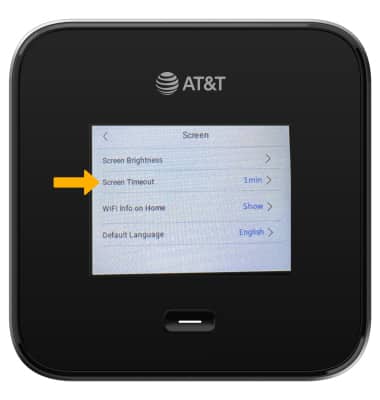
3. Select the desired setting.

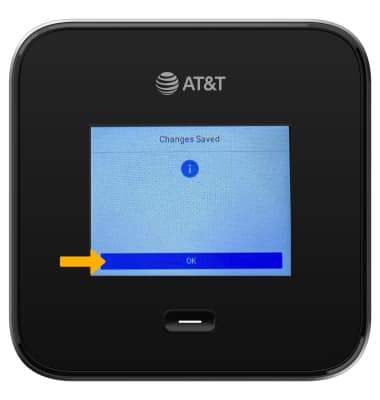
4. Select OK.