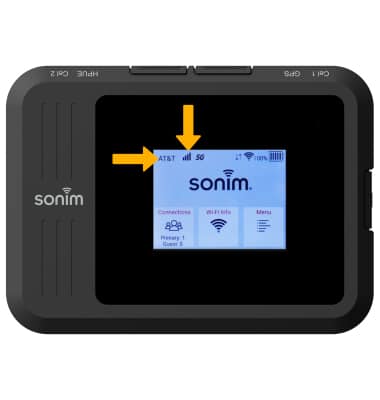
1. When your mobile hotspot is powered on, it automatically searches for and connects to the AT&T mobile broadband network. Confirm the device is showing 2 or more bars of network signal. Confirm the device is connected to the AT&T data network.
Note: This device comes with a pre-installed SIM, however, should you need to replace your SIM, visit the Device Assembly tutorial. For optimal placement, place your Sonim MegaConnect on a higher shelf and near a window. Try to avoid placing the device near items that may interfere with wireless network signal, such as large appliances, microwaves, stone or concrete walls, metal cabinets, computer monitors or televisions screens. To learn more about the AT&T network, visit www.att.com/network.
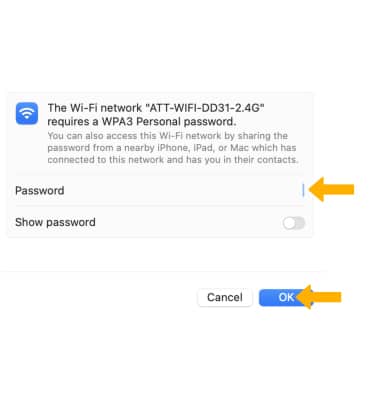
2. Connect your computer or other device to the hotspot Wi-Fi network.
Note: To view the Wi-Fi network name and password, from the home screen, select Wi-Fi Info. The Wi-Fi network name and password will be displayed. For more information on how to connect your device to a Wi-Fi network, see your device's tutorial on AT&T Device Support.