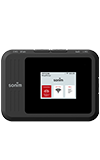
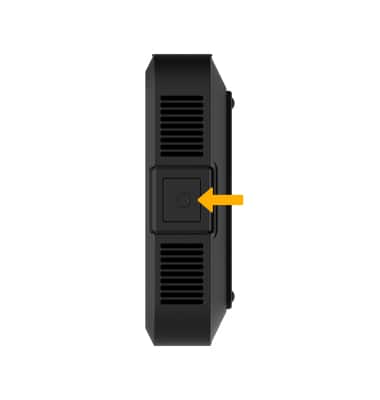
1. Press and hold the Power button to turn the device on.
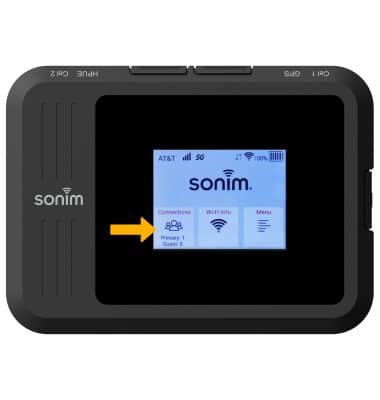
2. Select the screen to access the desired option.
Navigate the screen on the device.
1. Press and hold the Power button to turn the device on.
2. Select the screen to access the desired option.
We use cookies to help enhance your experience on our site and for analytics. We also may use cookies for marketing purposes. You can manage your preferences and opt out of the sharing for targeted advertising and sales of cookie data.
Learn more about our approach to privacy at att.com/privacy.