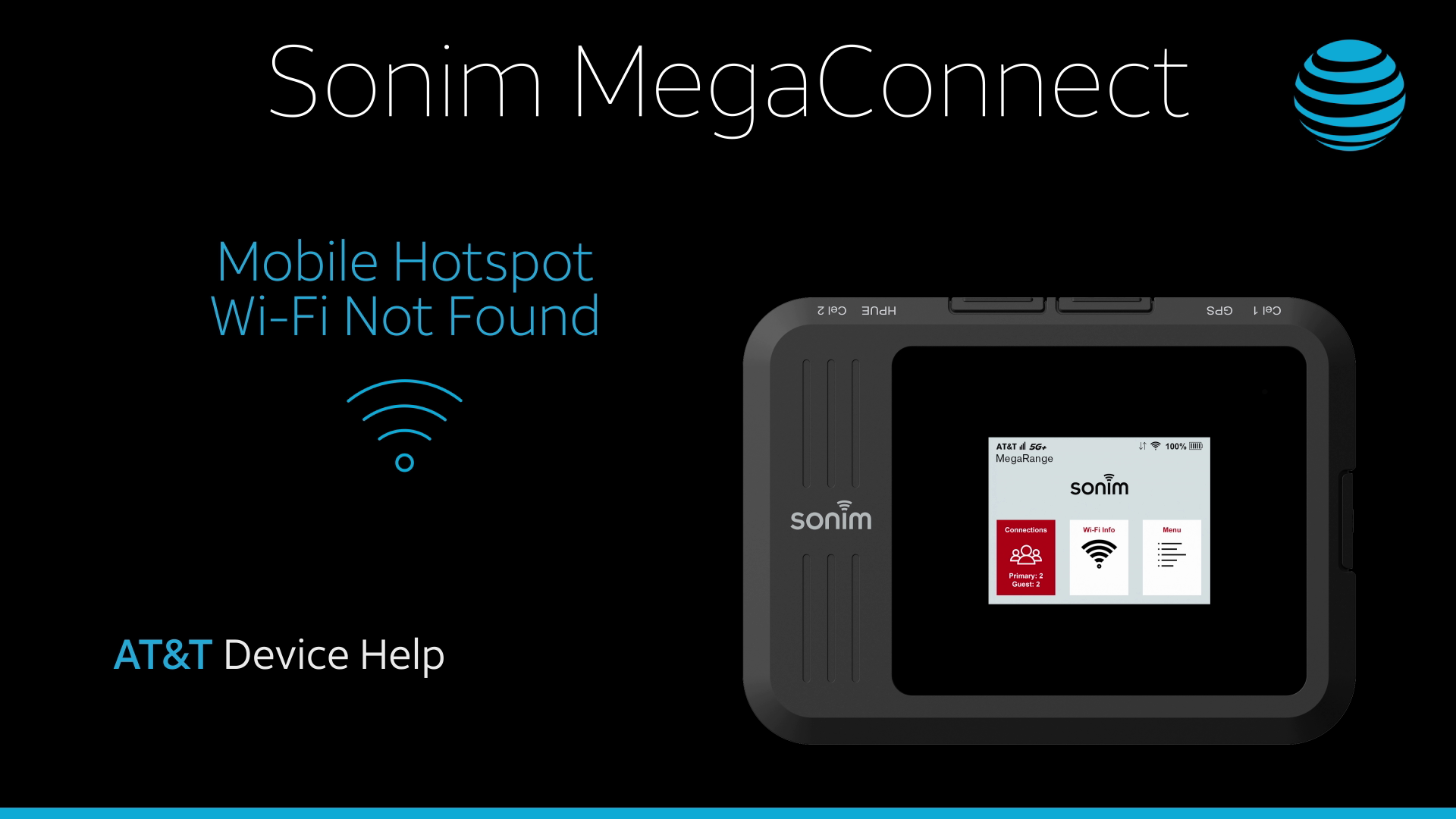
In this tutorial, you will learn how to:
• Check network status
• Check blocked devices
Check network status
If your Sonim MegaConnect Wi-Fi network is not found, ensure that the Wi-Fi & cellular connection status is displaying on the home screen. You can also check the network status at the top of the screen on the management website if you already have a different device connected to the network.
Check blocked devices
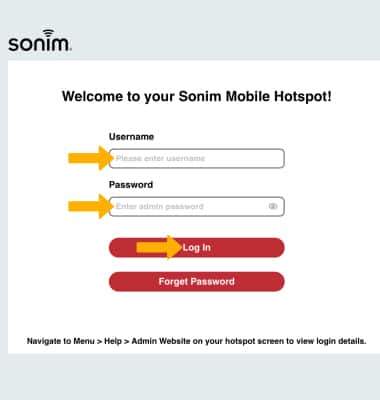
1. From your device's web browser, go to http://sonim.mobilehotspot. Enter the Username and Password, then click Log In.
Note: Ensure that your device is connected to the Sonim MegaConnect's Wi-Fi network. For more information, please see the Connect Devices to Wi-Fi or Connect PC or Mac to Wi-Fi tutorials. If this is your first time logging into the Web admin page, the default password will be displayed on the device. From the home screen, select Menu > Help > Admin Website.
2. Click Connections.
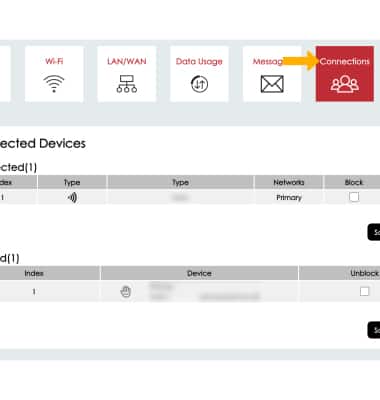
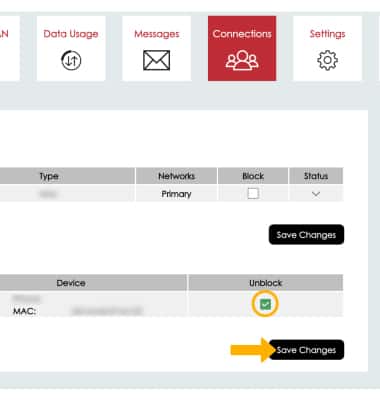
3. Click the Unblock checkbox next to the desired device, then click Save Changes.