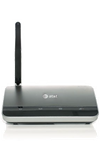
- Press and hold the Power button on the back of the WHP Base Unit until the back-up battery and signal lights turn on.
Note: The Power LED only indicates that the device is being supplied with power from an AC outlet, not that the device is on.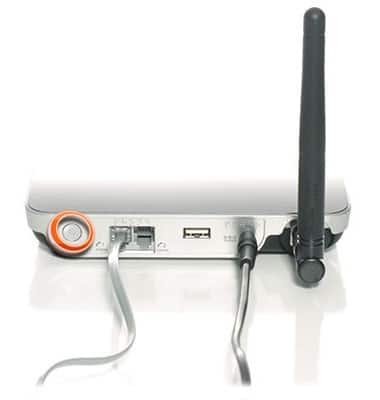
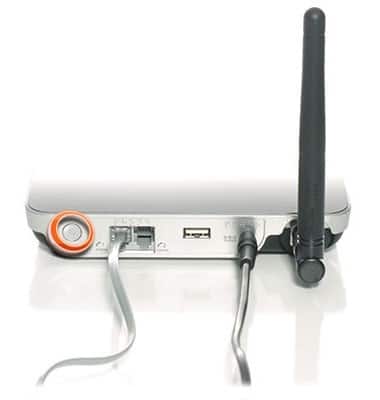
- Press and hold the Power button on the back of the WHP Base Unit until the back-up battery and signal LEDs turn off.
Powering The Device On/Off
ZTE Wireless Home Phone (WF720)
Powering The Device On/Off
This article describes how to turn the device on or off.
INSTRUCTIONS & INFO