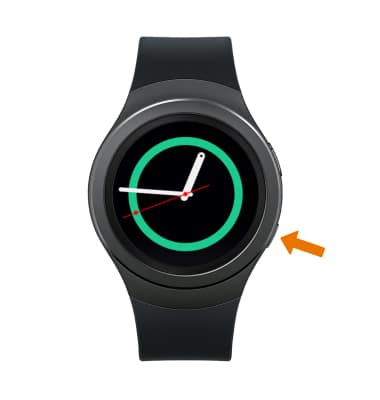
- ACCESS MESSAGING SETTINGS: From the clock screen, press the Power/Home button.
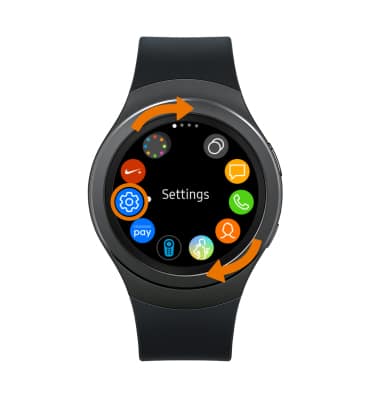
- Rotate the bezel to and select the Settings app.
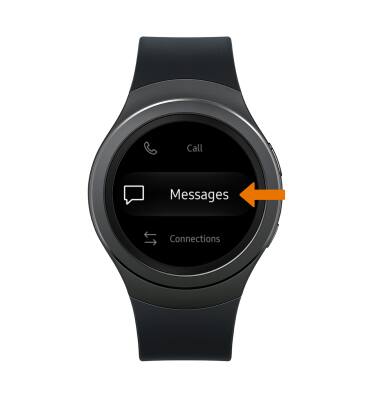
- Scroll to and select Messages.
- ADJUST EMERGENCY ALERT SETTINGS: Scroll to and select Emergency alerts > Alert types > select the desired alert to turn it on or off.
Note: Learn more about Wireless Emergency Alerts (WEA).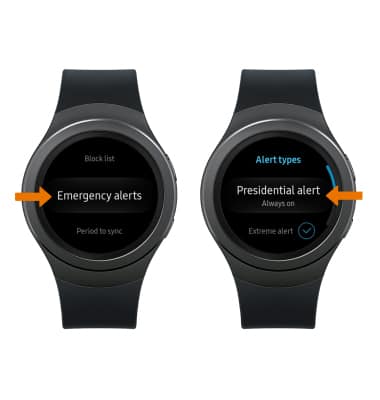
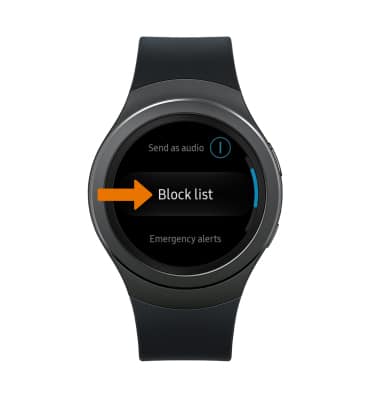
- ADJUST SPAM SETTINGS: From the Messages screen, scroll to and select Block list.
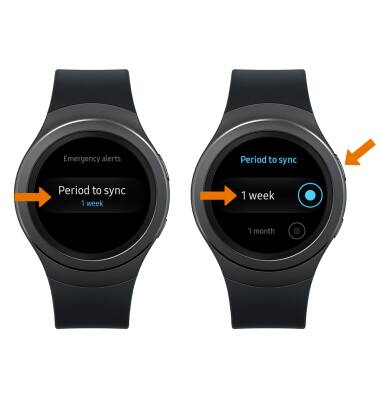
- EDIT SYNC SETTINGS: Scroll to and select Period to sync > desired sync frequency > Back button.
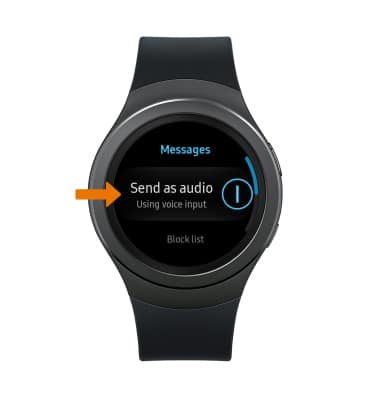
- TURN ON/OFF VOICE INPUT: Select Send as audio to turn voice input on/off.
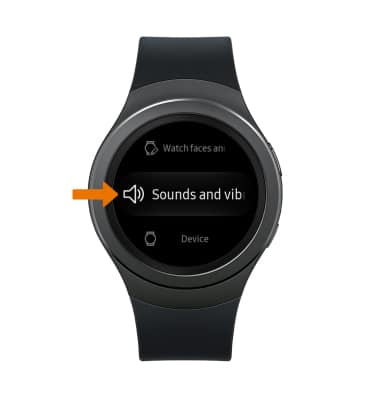
- ADJUST SOUNDS AND NOTIFICATION ALERTS: From the Settings screen, scroll to and select Sounds and vibrations.
Messaging Settings
Samsung Gear S2 (R730A)
Messaging Settings
Access messaging settings, adjust emergency alert settings, adjust spam settings. Edit sync settings, and more.
INSTRUCTIONS & INFO