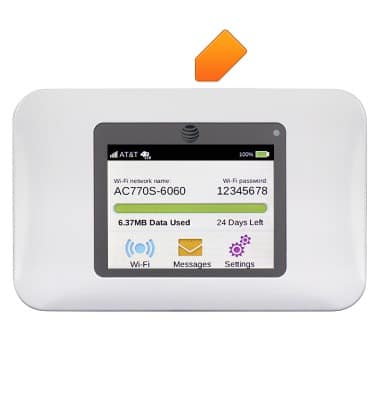
- The Power button turns the device on and off. It is located at the top of the device.
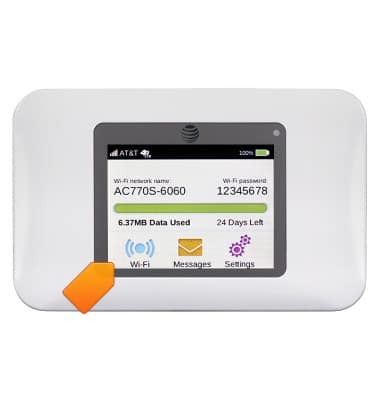
- The Touchscreen is located on the face of the device. It is used to control all aspects of the device.
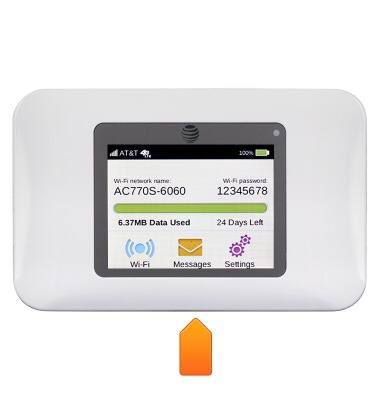
- The microUSB port is located at the bottom of the device.
Device layout
AT&T Unite (AC770S)
Device layout
This article provides an overview of the Device layout.
INSTRUCTIONS & INFO