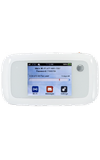
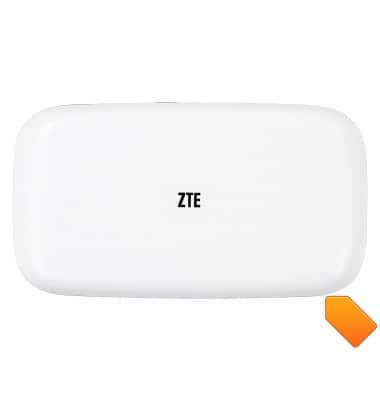
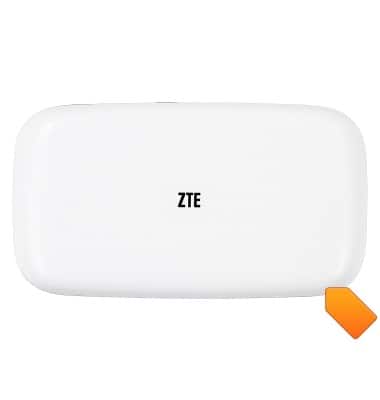
- Remove the Battery cover by pulling away at the notch.
- To insert the SIM card, open the SIM port cover.
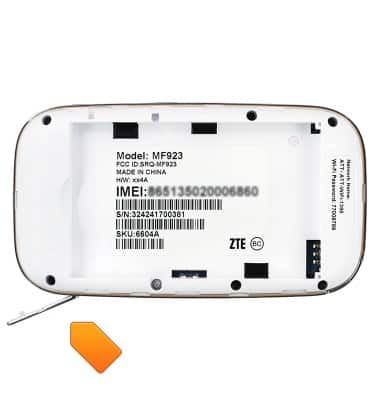
- Insert the Mini SIM with the metal contacts facing down and the beveled edge facing left.

- Close the SIM port cover.
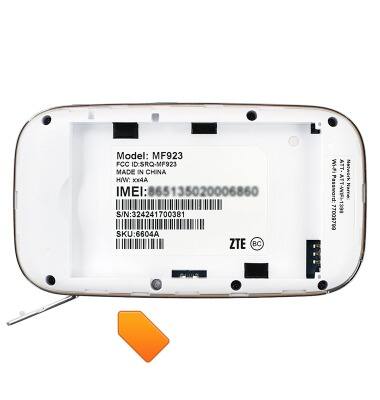
- To insert an optional SD card, open the SD port cover.
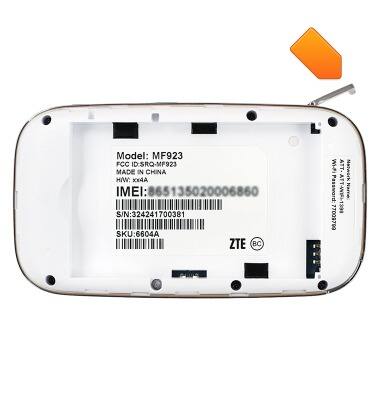
- Insert the Micro SD card into the SD port with the metal contacts facing down and the beveled edge facing left.
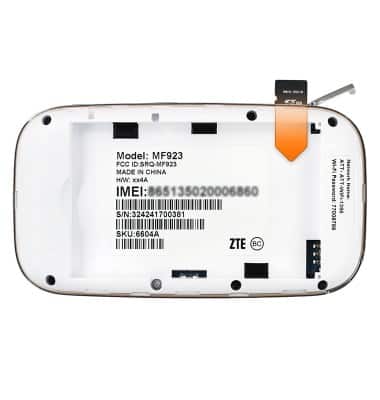
- Close the SD port cover.
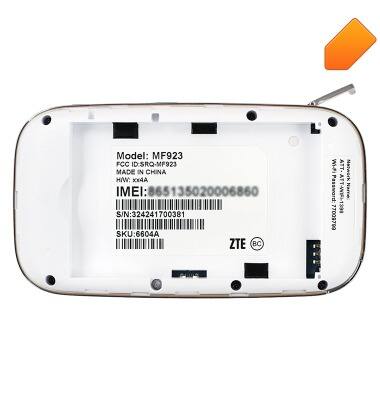
- To insert the battery, with the metal contacts aligned, insert the Battery into the Battery port.
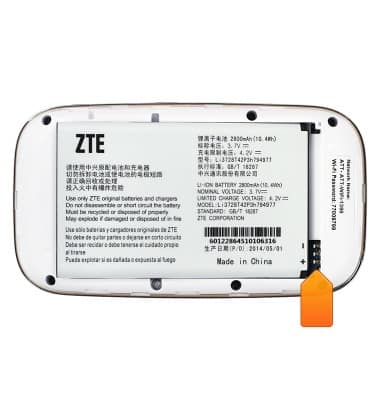
- Place the Battery cover back on the device, then press firmly around the edges to secure.
- When no SIM card is in the device, No SIM will be displayed on the home screen.
Note: GoPhone Users: Your device will have a different home screen showing ‘To check your data balance, go to att.com/mygophone’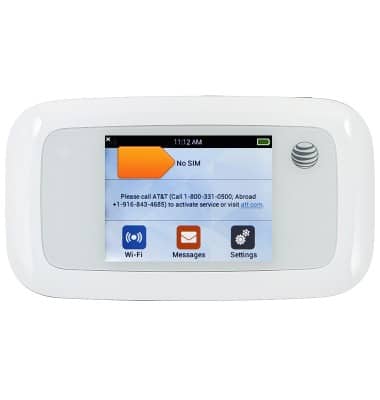
Insert SIM & memory card
AT&T Velocity (MF923)
Insert SIM & memory card
This tutorial shows how to assemble the device.
INSTRUCTIONS & INFO