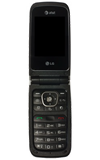
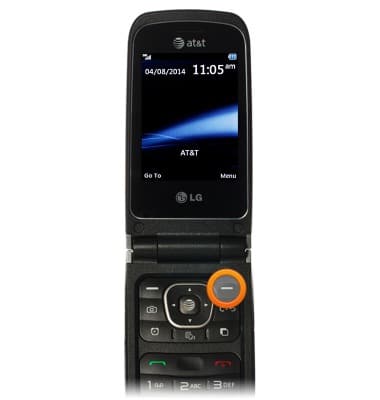
- From the home screen, press the Right Soft Key.
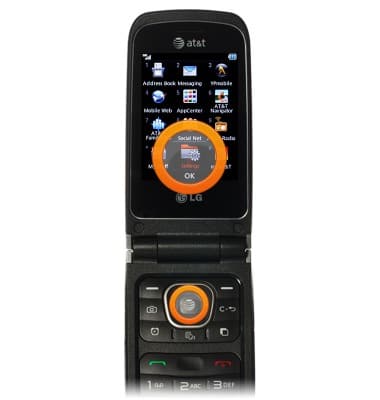
- Scroll to Settings, then press the Center Nav key.
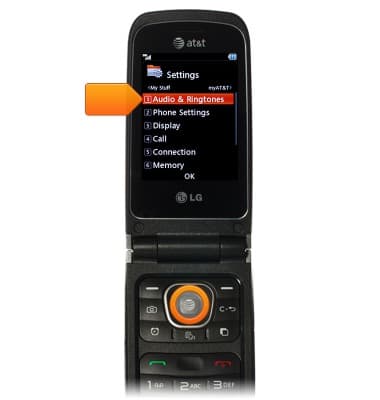
- Scroll to Audio & Ringtones, then press the Center Nav key.
- Scroll to the desired alert type, then press the Center Nav key.
Note: For the purposes of this guide we will choose Alert Tone.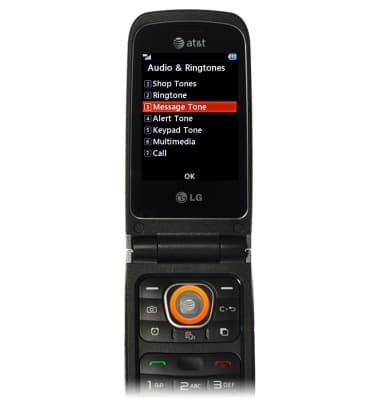
- Scroll to Sounds, then press the Center Nav key.
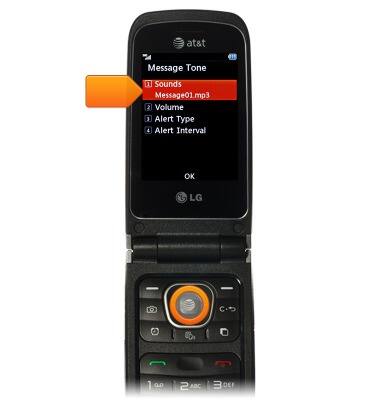
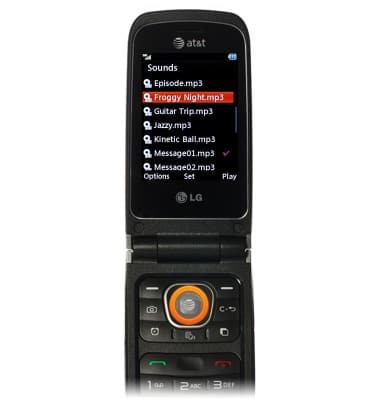
- Scroll to the desired alert, then press the Center Nav key.
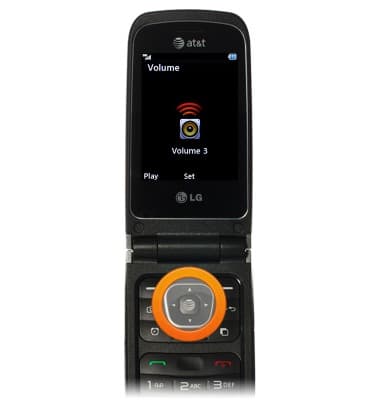
- Scroll to Volume, then press the Center Nav key.
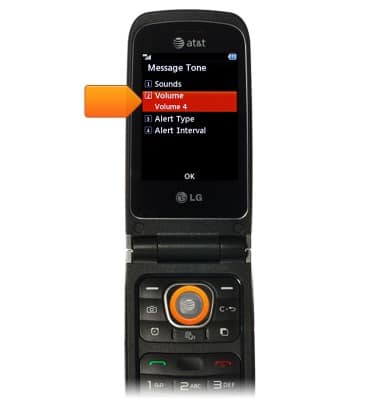
- Press the Up or Down Nav keys to set the volume, then press the Center Nav key.
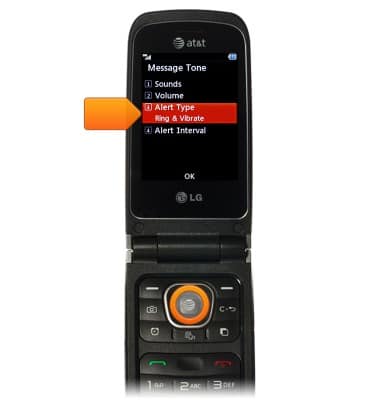
- Scroll to Alert Type, then press the Center Nav key.
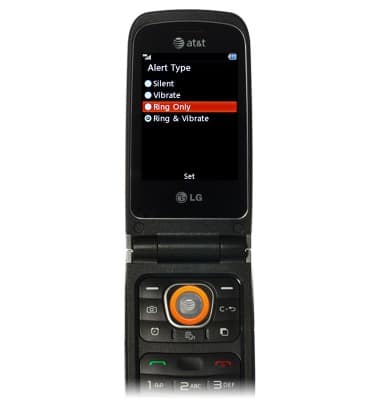
- Scroll to the desired setting, then press the Center Nav key.
Change alerts
LG A340
Change alerts
This article describes how to change the device's alerts.
INSTRUCTIONS & INFO