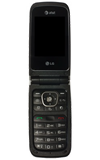
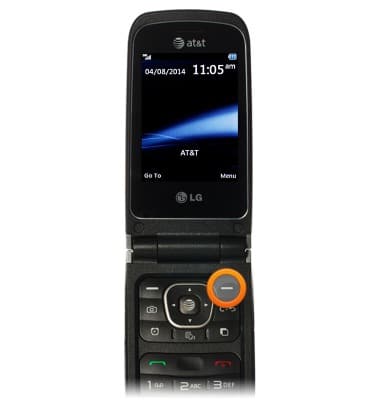
- From the home screen, press the Right Soft key.
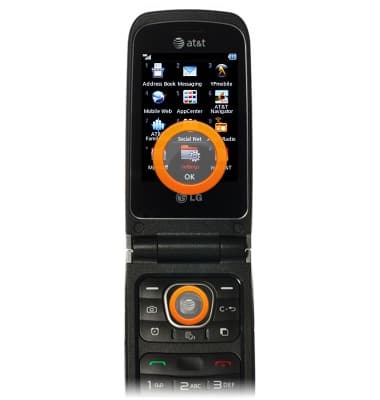
- Scroll to the Settings, then press the Center Nav key.
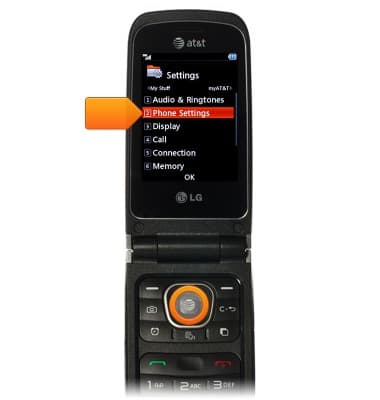
- Scroll to the Phone Settings, then press the Center Nav key.
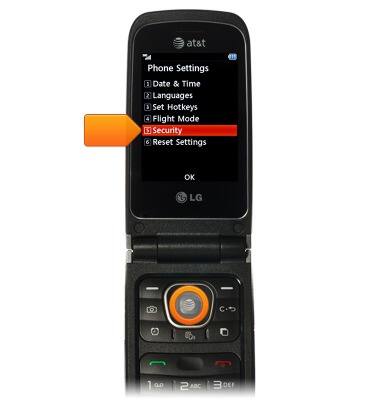
- Scroll to the Security, then press the Center Nav key.
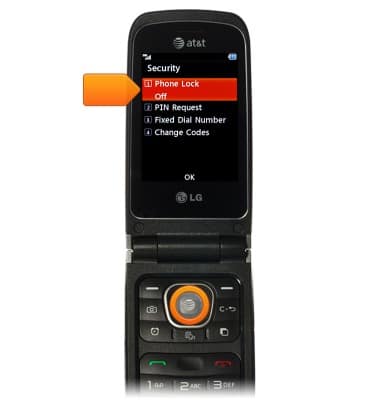
- Scroll to the Phone Lock, then press the Center Nav key.
- Scroll to the desired option, then press the Center Nav key.
Note: For the purposes of this guide we will choose When Power On.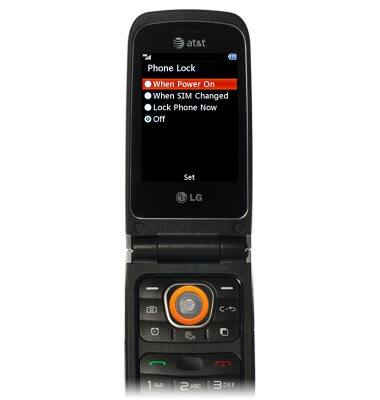
- Enter the desired security code, the press the Center Nav key.
Note: The default code is 0000.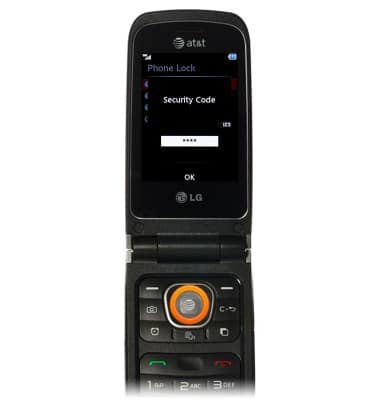
Set or change password security
LG A340
Set or change password security
Enable or change the password on your device.
INSTRUCTIONS & INFO