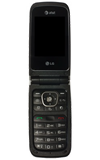
- To enable call forwarding, press the Right Soft Key from the home screen.
Note: To deactivate call forwarding, skip to Step 8.
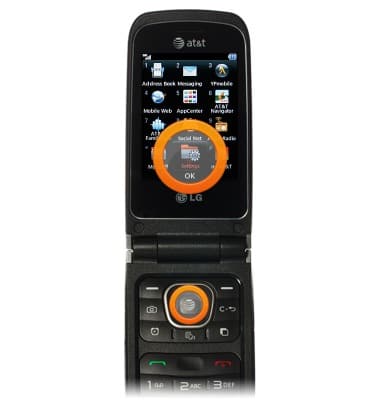
- Scroll to Settings, then press the Center Nav key.
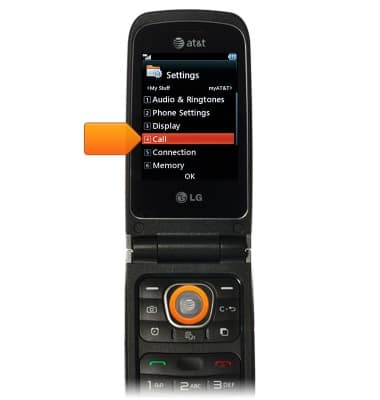
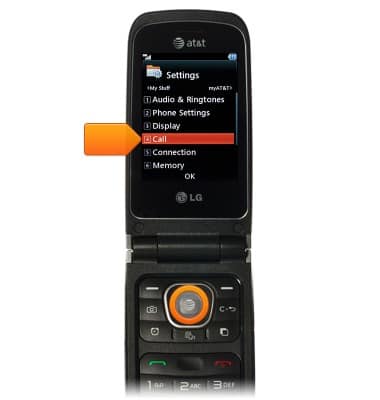
- Scroll to Call, then press the Center Nav key.
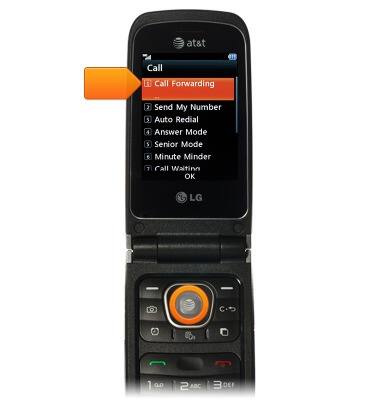
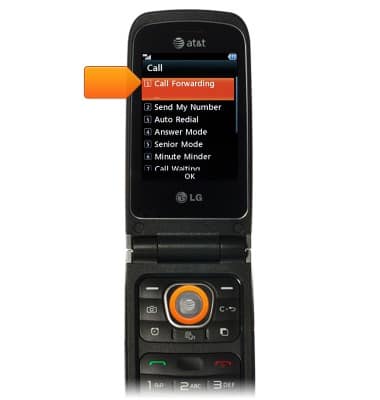
- Scroll to Call Forwarding, then press the Center Nav key.
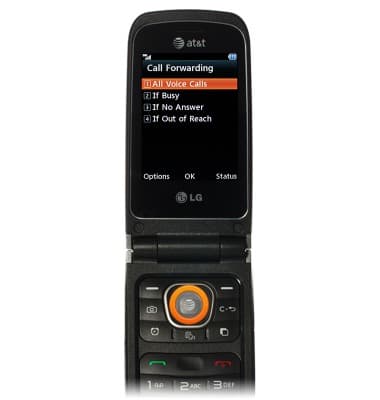
- Scroll to desired option, then press the Center Nav key.
Note: This tutorial selects 'All Voice Calls'.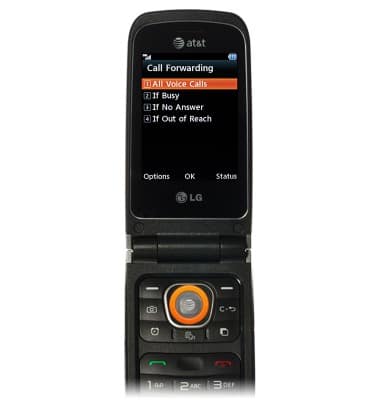
- Press the Center Nav key.
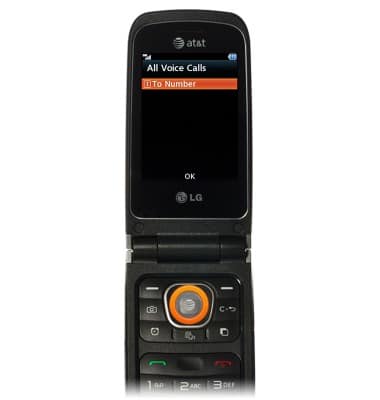
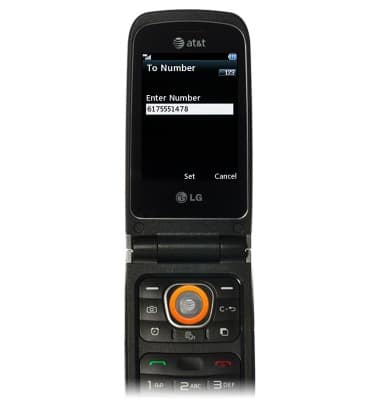
- Enter the telephone number, then press the Center Nav key.
- To deactivate call forwarding, press the Right Soft Key from the home screen.

- Scroll to Settings, then press the Center Nav key.
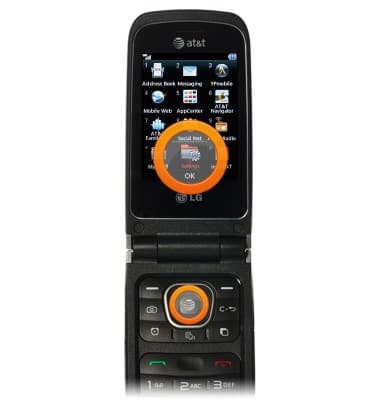
- Scroll to Call, then press the Center Nav key.
- Scroll to Call Forwarding, then press the Center Nav key.
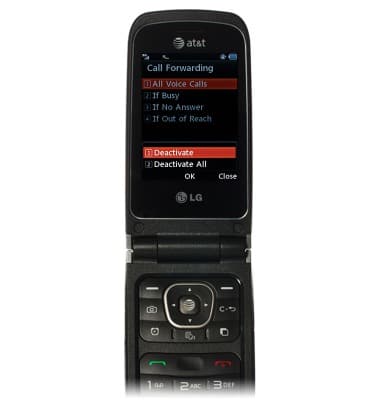
- Highlight the desired option, then press the Center Nav key.
- When Call Forwarding is enabled, an icon will appear in the status bar.
Call forwarding
LG A340
Call forwarding
Learn how to manage call forwarding from your device.
INSTRUCTIONS & INFO