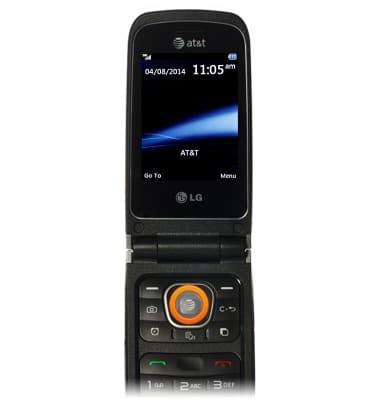
- From the home screen, press the Center Nav key.
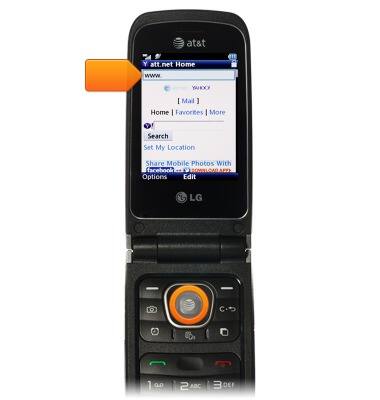
- To access a web site, scroll to the Web Address Field, then press the Center Nav key.
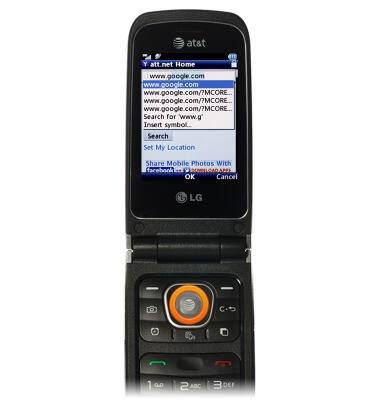
- Enter the desired URL and then press the Center Nav key.
- To bookmark the page, press the Left Nav key.
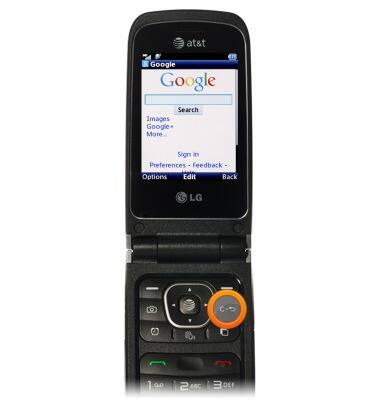
- Scroll to Add to Bookmarks, then press the Center Nav key.
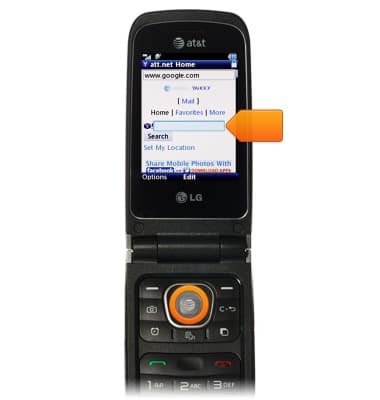
- Press the Right Nav key.
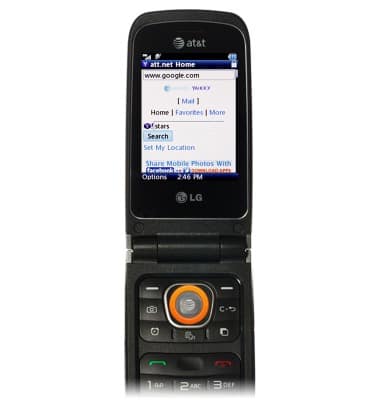
- To access a bookmarked site, press the Left Nav key.
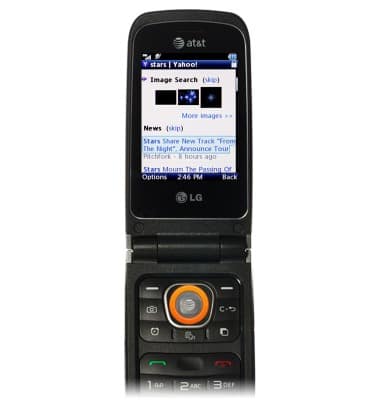
- Scroll to Go to Bookmarks then press the Center Nav key.
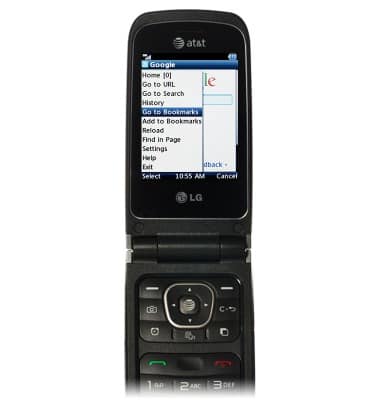
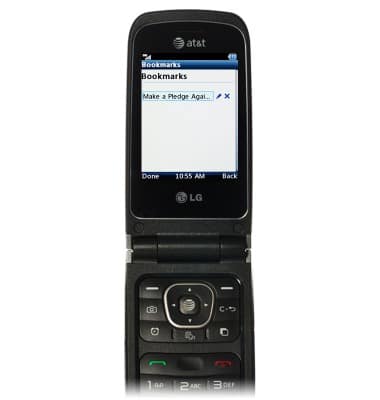
- Scroll to the desired bookmark then press the Center Nav key.
Browse the web
LG A340
Browse the web
Learn to browse the web and manage tabs and bookmarks.
INSTRUCTIONS & INFO