- From the home screen, press the Camera Key.
Note: To enable Video mode, skip to 'Step 11'.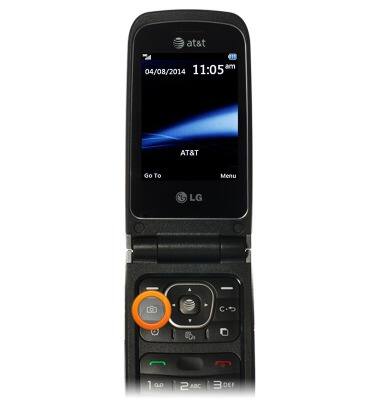
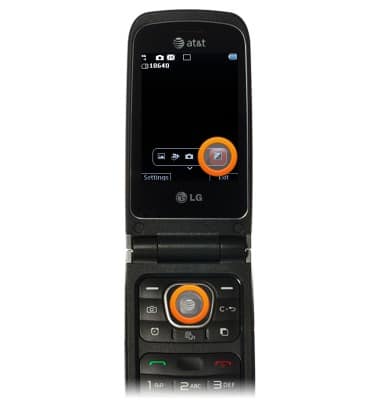
- To adjust the brightness, scroll to to Brightness, then press the Center Nav Key.
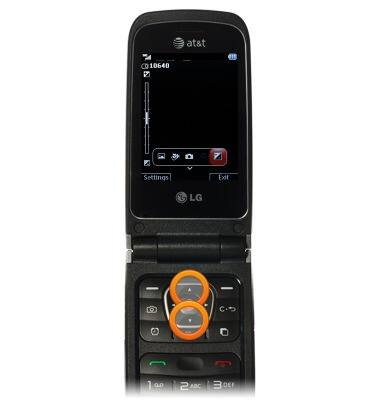
- Press the Up and Down Nav Keys to adjust the brightness.
- To view saved pictures, scroll to Albums, then press the Center Nav key.
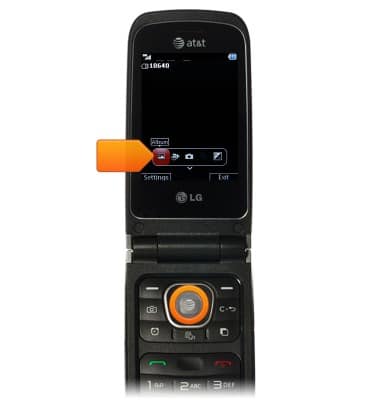
- While the Camera icon is highlighted, press the Center Nav Key to capture a photo.
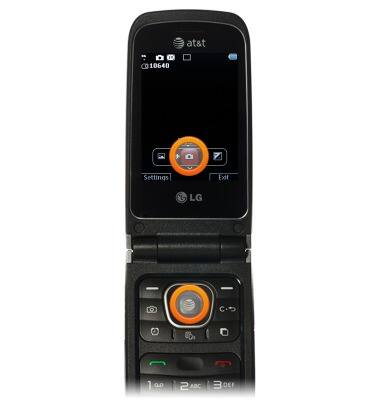
- To enable Video mode, scroll to the Video icon, then press the Center Nav key.
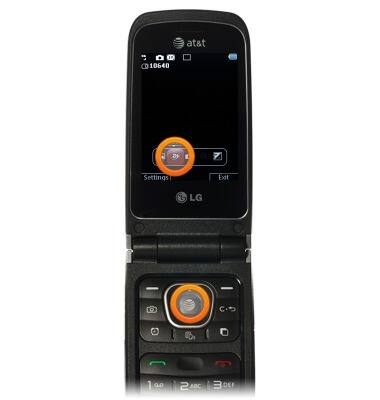
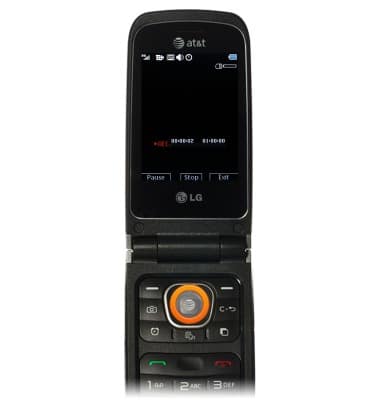
- While the Record icon is highlighted, press the Center Nav key to begin recording.
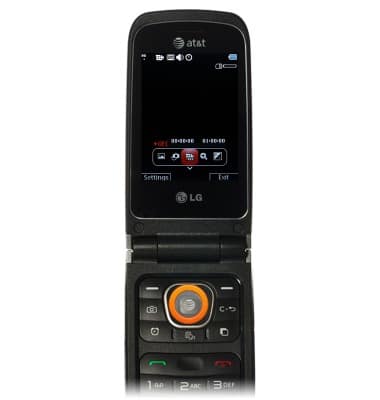
- To stop recording, press the Center Nav key.
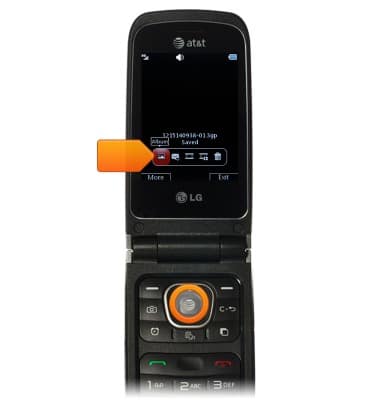
- To view saved videos, scroll to the Albums icon, then press the Center Nav key.
Take a picture or video
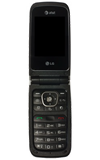
LG A340
Take a picture or video
Take and edit a picture or video, use the front and rear camera, and switch between camera and video modes.
INSTRUCTIONS & INFO