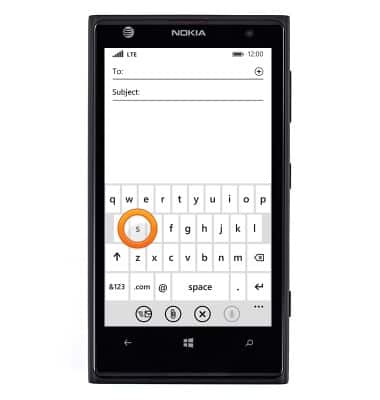
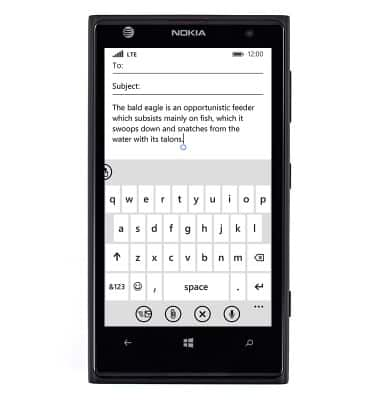
- Tap an icon to enter the designated character. Tap and hold for a list of all characters associated with that icon.
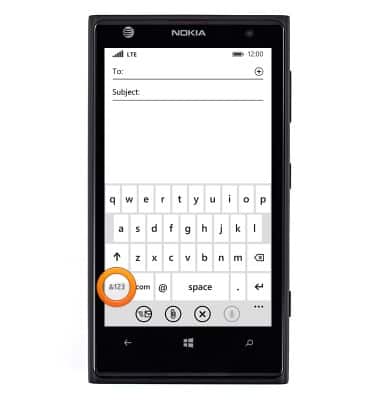
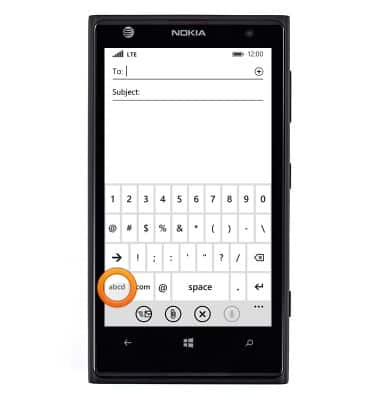
- To switch to numbers and symbols, tap &123.
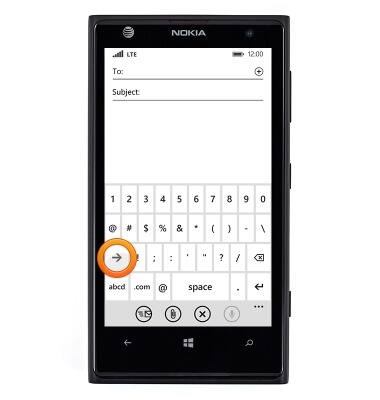
- For additional symbols, tap the Arrow icon.
- To switch back to letters, tap the Letters icon.
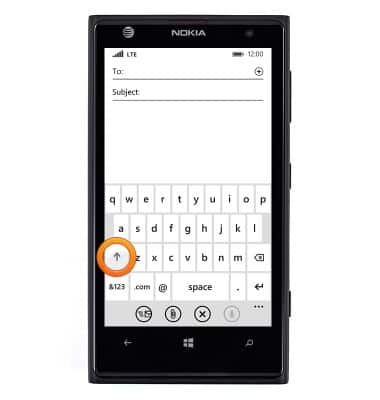
- To capitalize icons, tap the Shift icon. Tap it again to enter CAPS lock mode.
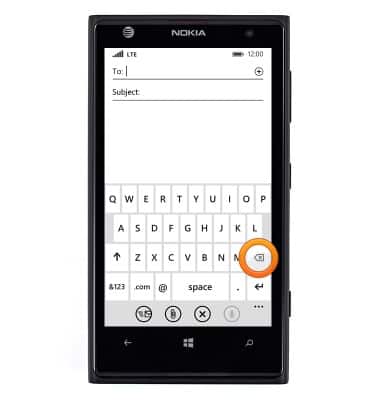
- To delete a character, tap the Delete key.
- To copy and paste, tap the word you wish to select.
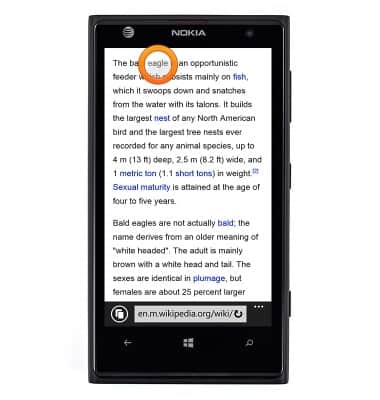
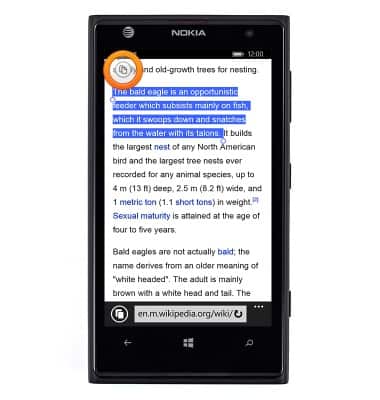
- Touch and drag the Circle icons to select the desired copy area.
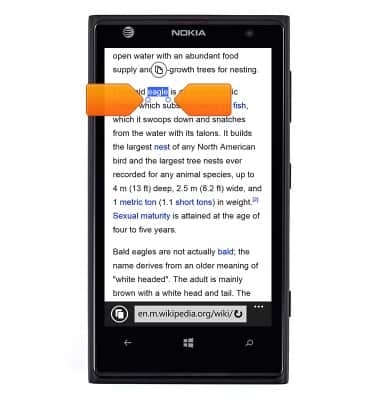
- Tap the Copy icon.
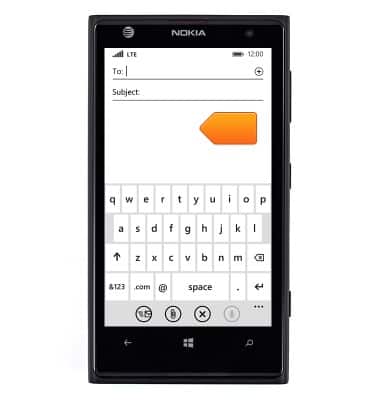
- Touch and hold the field you wish to copy to.
- Tap the Paste icon.
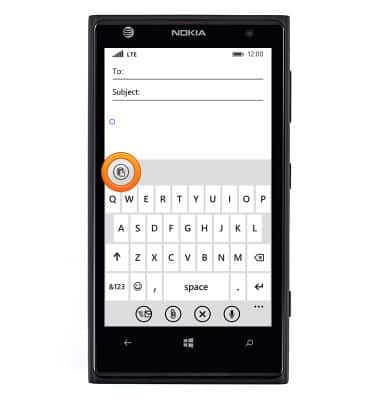
- The pasted text will now appear in the text field.
Keyboard & typing
Nokia Lumia 1020
Keyboard & typing
How to use the keyboard, use speech-to-text, access keyboard settings, and more.
INSTRUCTIONS & INFO