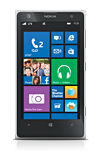
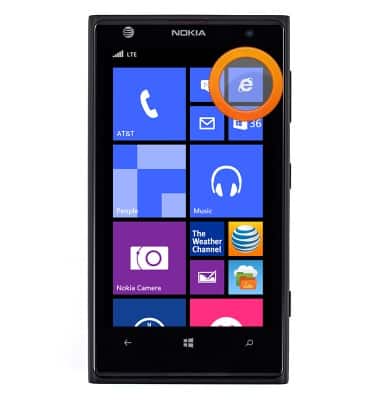
- From the Start screen, tap the Internet Explorer Tile.
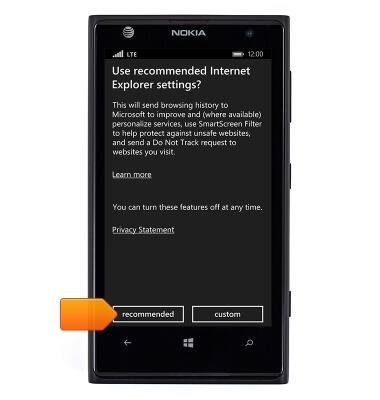
- If prompted, tap recommended.
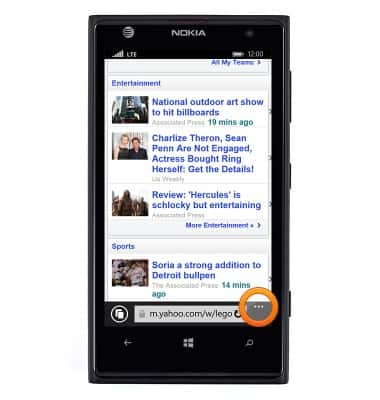
- Tap the Menu icon.
- Scroll to, then tap settings.
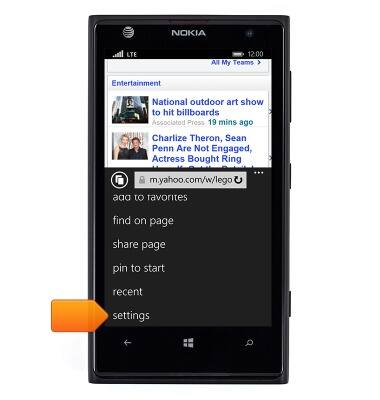
- Settings will be displayed.
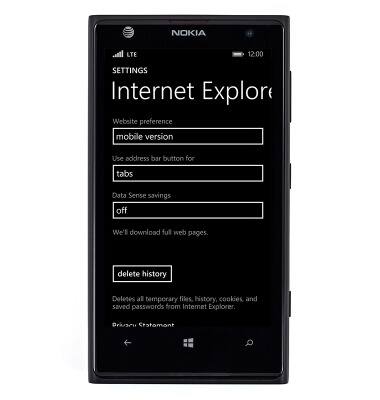
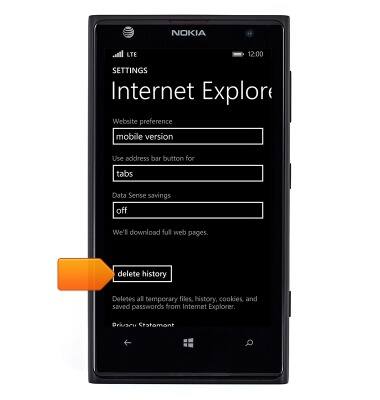
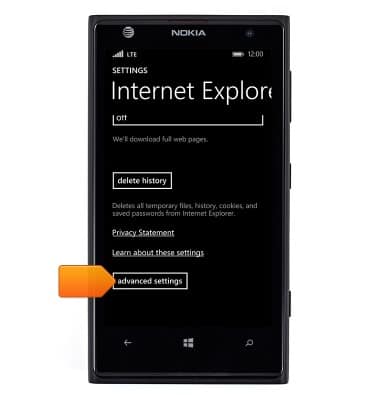
- To delete browser history, tap delete history.
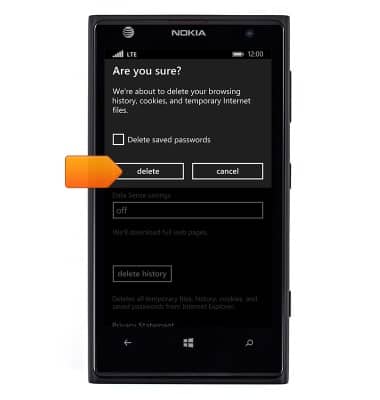
- Tap delete.
- To adjust browser font size, scroll to, then tap advanced settings.
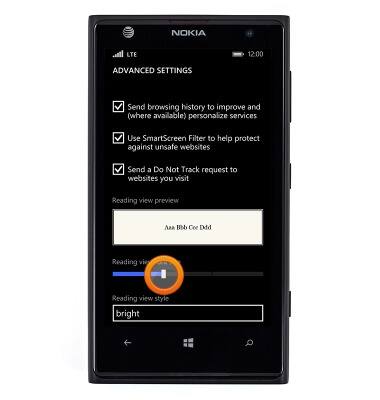
- Touch and drag the Reading view font size slider to adjust browser font size.
Browser options
Nokia Lumia 1020
Browser options
Access browser settings to delete browser history, set the home page, and more.
INSTRUCTIONS & INFO