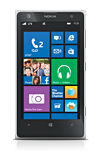
- From the Start screen, swipe left.
Note: The first Microsoft account associated with this device may have its settings edited, but a master reset is required to change the email address or delete it. For instructions on performing a master reset, see the 'Reset device' tutorial under Troubleshooting.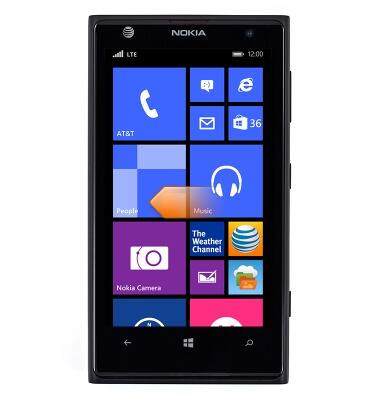
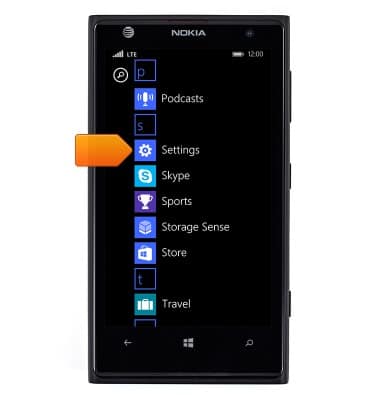
- Scroll to, then tap Settings.
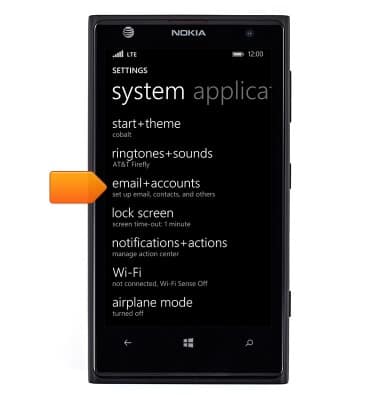
- Tap email+accounts.
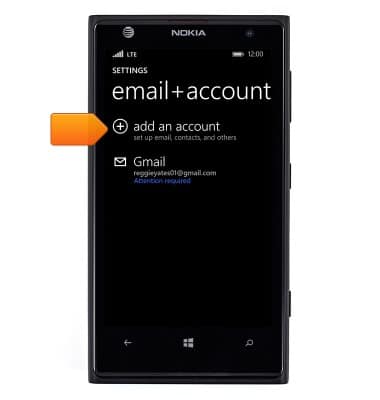
- Tap add an account.
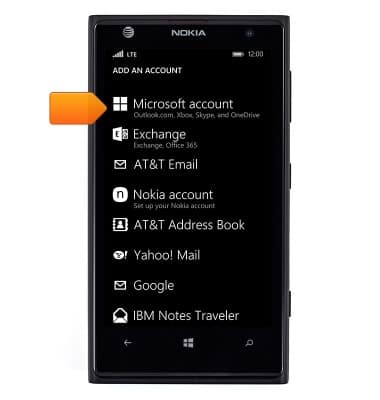
- Tap Microsoft account.
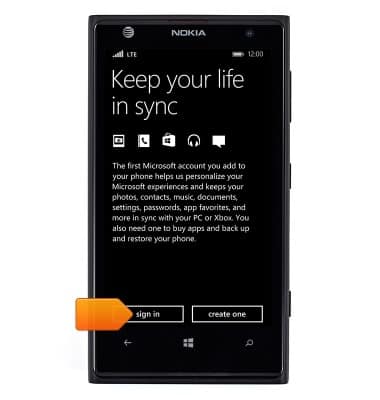
- Tap sign in.
- Tap the Email address field then enter the desired email.
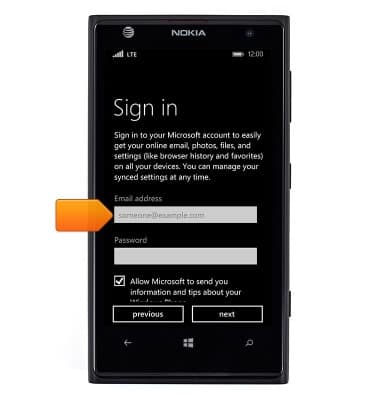
- Tap the Password field, then enter the required password.
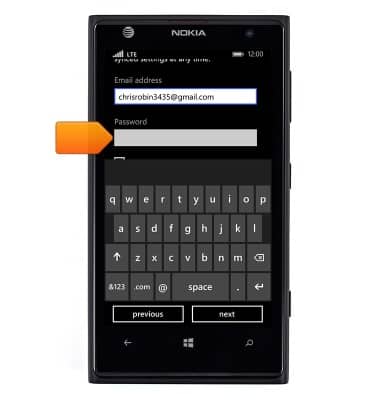
- Tap next.

- Tap the desired option.
Note: 'not now' is chosen for this demonstration.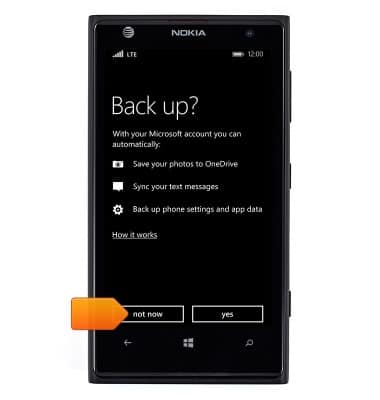
- The Microsoft account is now setup.

Microsoft sign-in
Nokia Lumia 1020
Microsoft sign-in
Sign in using your Microsoft account to access Xbox LIVE, Windows Phone Store, and more.
INSTRUCTIONS & INFO