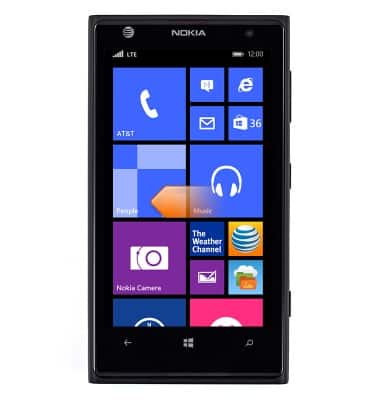
- From the Start screen, swipe left.
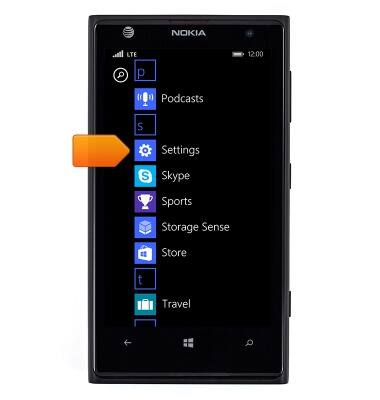
- Scroll to, then tap Settings.
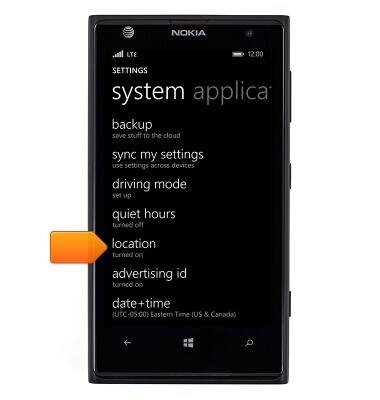
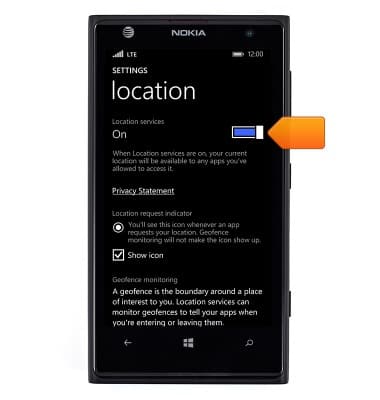
- Scroll to, then tap location.
- Tap the Location services switch to toggle Location services on or off.
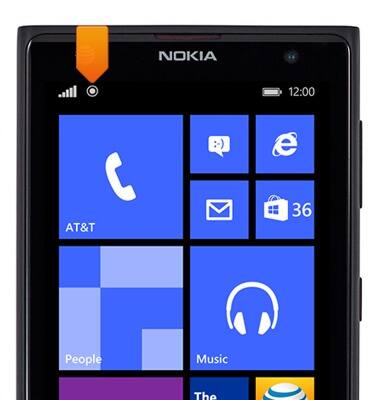
- If location services is active while an application is using GPS, the Location services icon will appear in the notification bar.
Location services & GPS
Nokia Lumia 1020
Location services & GPS
This article provides an overview of location services and GPS features.
INSTRUCTIONS & INFO