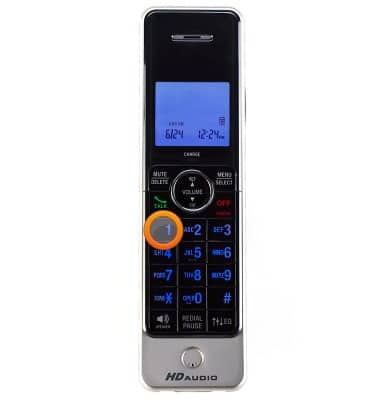
- To set up your voicemail, dial 1 on your connected home phone.
- Follow the prompts to create and enter a 4 to 15-digit voicemail password.
Note: Your password can be any random 4 to 15-digit number and should be difficult for someone to discover. Avoid using your mobile number or any portion of it in your password.
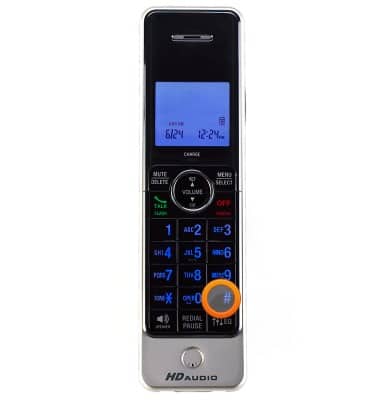
- Record your personal greeting, then press the # key.
- After completing the setup process, press the * key to return to the Main Menu.

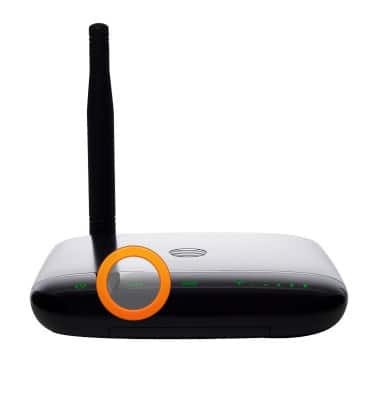
- When you have a new voicemail, the voicemail LED will blink green and you will hear an intermittent dial tone when you pick up your phone.
- If you choose to use an answering machine instead of voicemail, you will need to set your answering machine to pickup calls before voicemail, which is fewer than 4 rings. Or, you can remove voicemail from your account by calling AT&T Customer Care by dialing 611 from your connected phone or 800-331-0500.
Note: Messages left on your network voicemail will not be reflected on your phone.
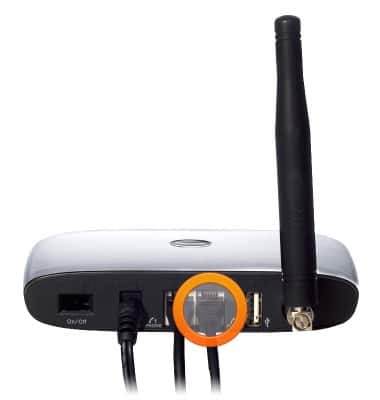
- If you have a standalone answering machine, you can plug it into the Phone 2 port on the back of your Wireless Home Phone device.
Note: The Phone 2 port uses the same phone number as the Phone 1 port.