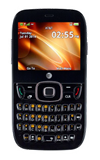
- From the home screen, press the Right Soft key.

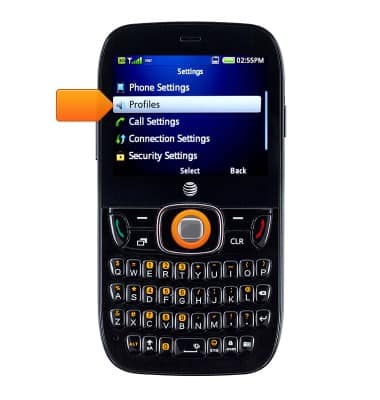
- Select Settings, then press the Center Nav key.

- Select Profiles, then press the Center Nav key.
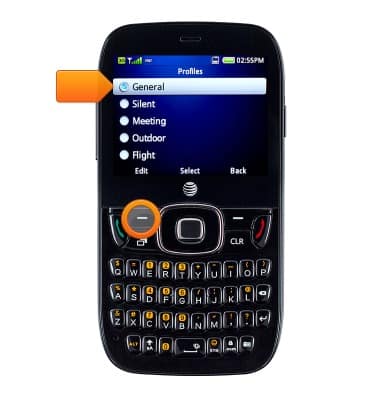
- Select General, then press the Left Soft key to edit.
- Select Voice Call Ringtone, then press the Center Nav key.

- Select the desired ringtone, then press the Center Nav key to save.

Change ringtones
ZTE Z432
Change ringtones
Choose which ringtone your device will use to alert you to incoming calls.
INSTRUCTIONS & INFO