
- Press the Right Soft key to mute/unmute the microphone during a call.

- Press the Center Nav key to enable or disable speakerphone.

- Press the Volume keys to adjust the volume.
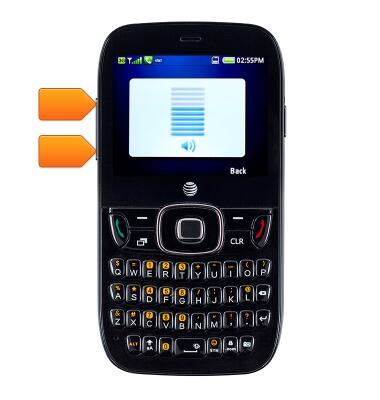
- To access more options, press the Left Soft key.

- Select the desired option, then press the Center Nav key.
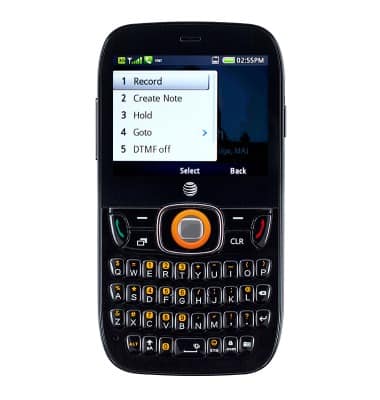
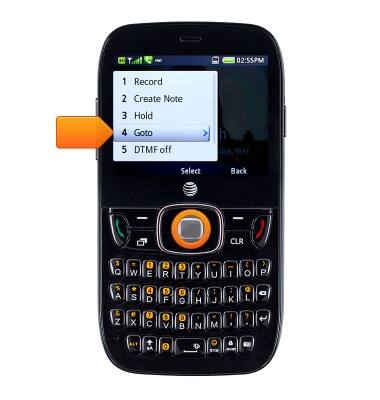
- To access the home screen, press the Left Soft key.

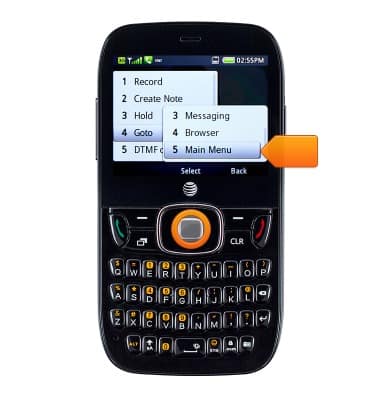
- Select Goto, then press the Center Nav key.
- Scroll to and select Main Menu, then press the Center Nav key.
- To return to the call in progress, press the Right Soft key.

- Press the End key to hung up.
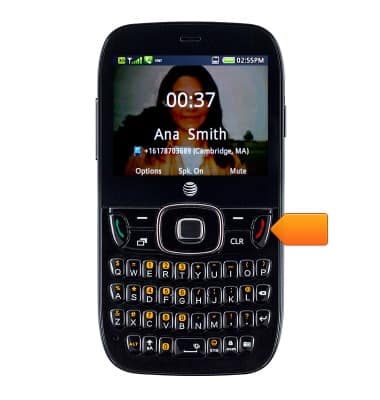
In-call options
ZTE Z432
In-call options
Learn what features are available while on an active call.
INSTRUCTIONS & INFO