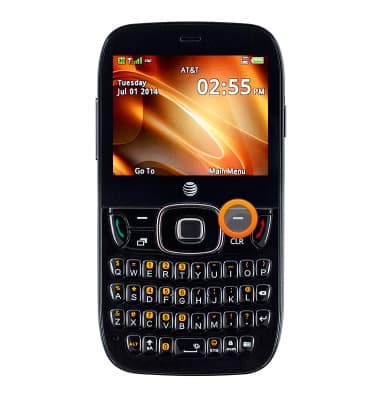
- From the home screen, press the Right Soft key.
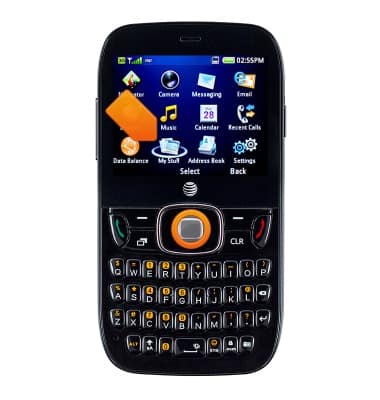
- Select My Stuff, then press the Center Nav key.
- Scroll to and select Memory Info, then press the Center Nav key.
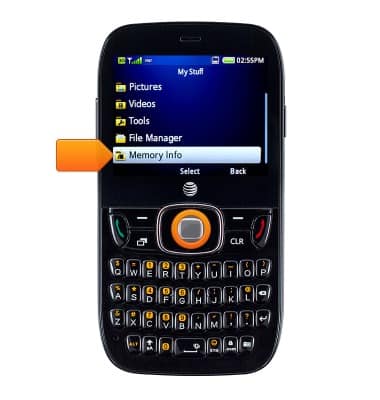
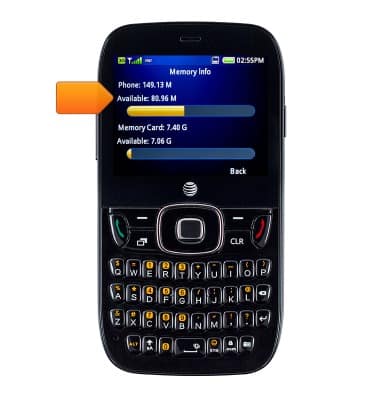
- The available storage space is listed under Phone.
- The available memory card space is listed under Memory Card.
Note: SD card has to be inserted first to access this information.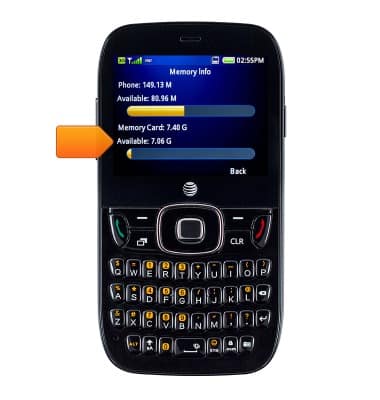
Available memory
ZTE Z432
Available memory
Check the available device storage.
INSTRUCTIONS & INFO