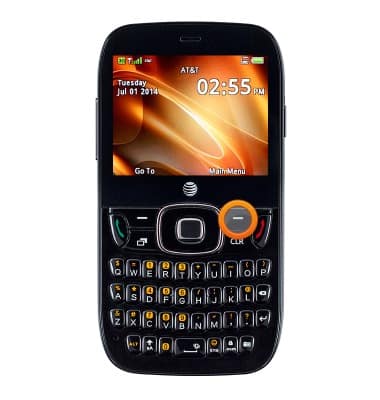
- From the home screen, press the Right Soft key.
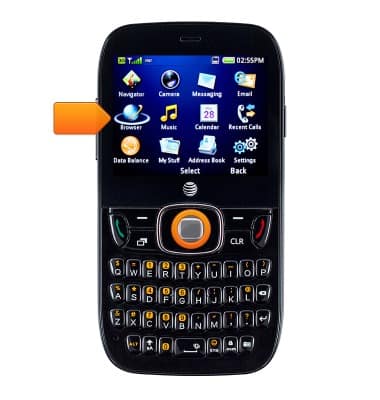
- Select Browser, then press the Center Nav key.
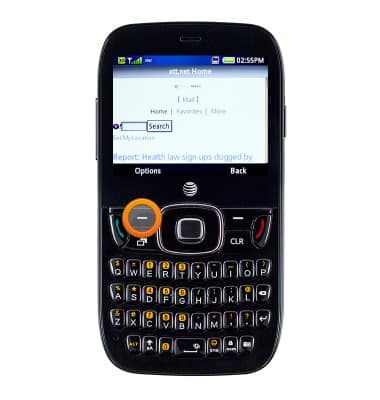
- Press the Left Soft key to access options.
- Select New Link, then press the Center Nav key.
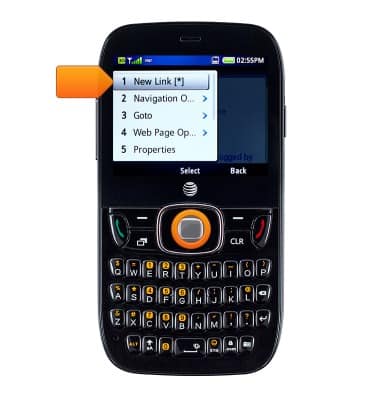
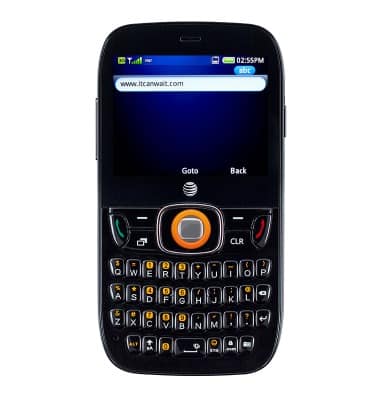
- Enter the desired website, then press the Center Nav key.
- To bookmark the website, press the Left Soft key.

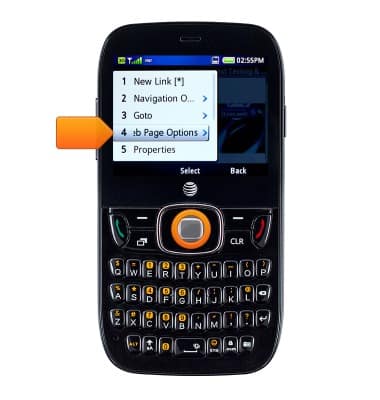
- Select Web Page Options, then press the Center Nav key.
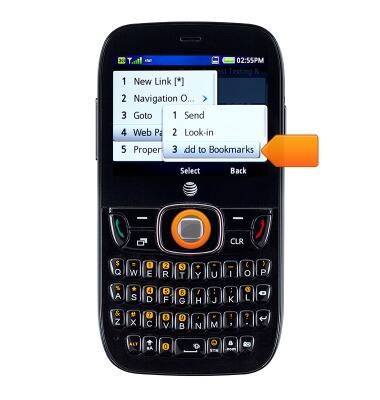
- Select Add to Bookmarks, then press the Center Nav key.
- Delete the text by pressing the Delete key, then enter the desired subject.
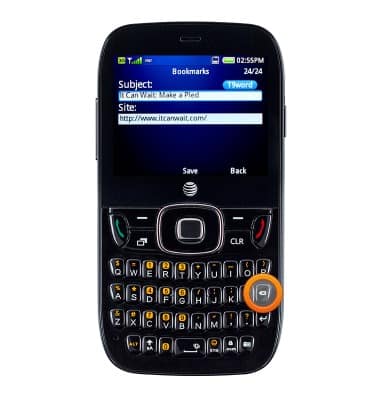
- Press the Center Nav key to save.
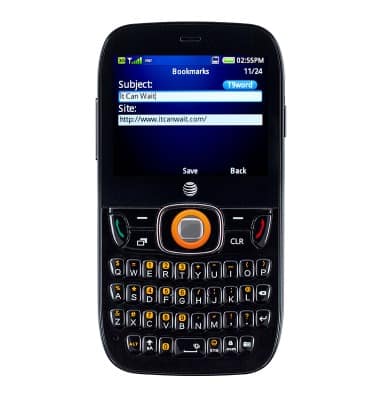
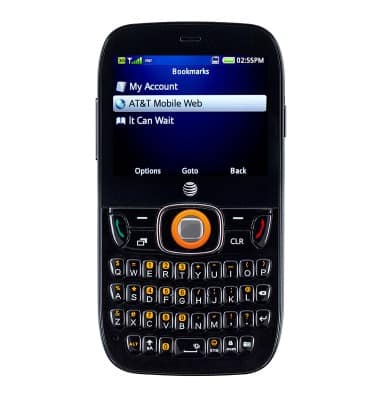
- To access bookmarks, press the Left Soft key.

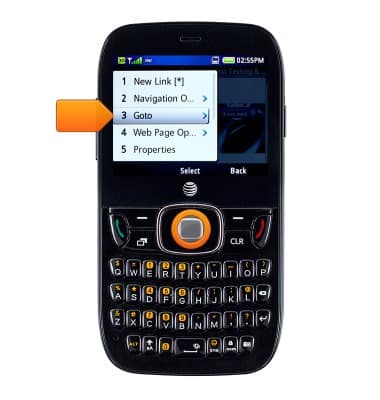
- Select Goto, then press the Center Nav key.
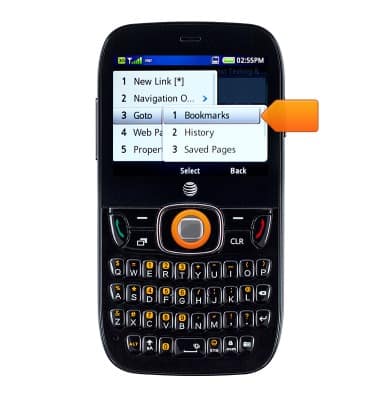
- Select Bookmarks, then press the Center Nav key.
- Select the desired bookmark, then press the Center Nav key to view.
Browse the web
ZTE Z432
Browse the web
Learn to browse the web and manage tabs and bookmarks.
Browse the Web
This video explains the features of the device's web browser.
Browse the Web
2:59
INSTRUCTIONS & INFO