
- From the home screen, press the Right Soft key.

- Select Settings, then press the Center Nav key.

- Select Display Settings, then press the Center Nav key.

- Select Wallpaper, then press the Center Nav key.

- Select the desired image, then press the Left Soft key to preview.

- Press the Center Nav key to confirm and save the change.

Change wallpaper
ZTE Z432
Change wallpaper
This article describes how to change the wallpaper, or background, of the home screens.
Settings
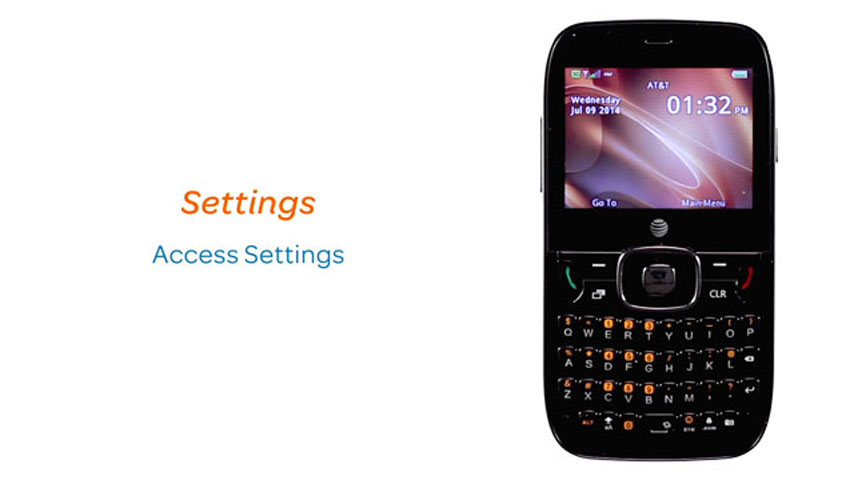
This video explains the device's settings.
Settings
0:41
INSTRUCTIONS & INFO