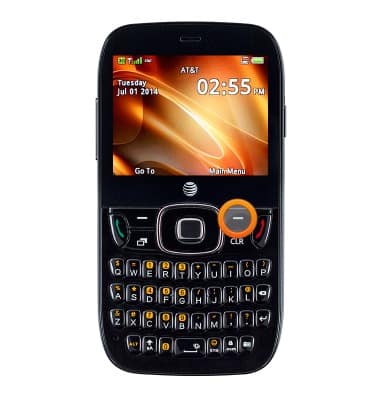
- From the home screen, press the Right Soft key.
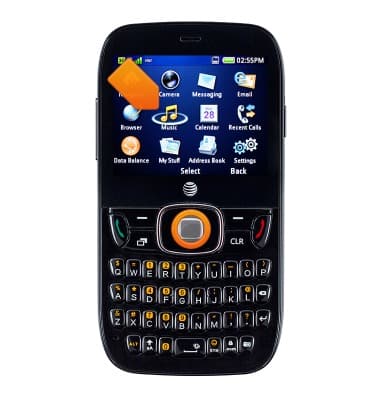
- Select Music, then press the Center Nav key.
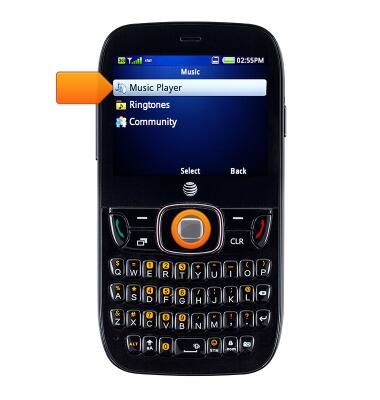
- Select Music Player, then press the Center Nav key.
- Select the desired option, then press the Center Nav key.
Note: For this demonstration, 'All Music' is selected.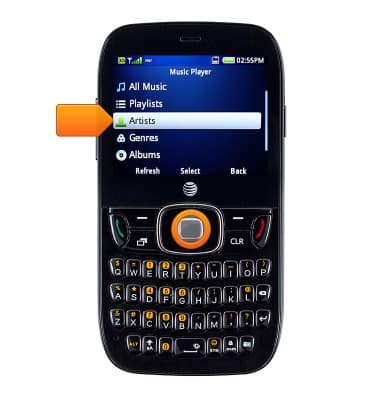
- Select the desired song, then press the Center Nav key to start playing.
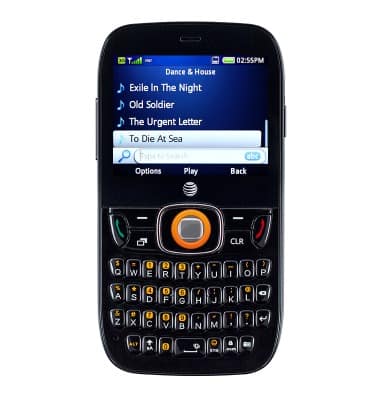
- Press the Center Nav key to pause the music.
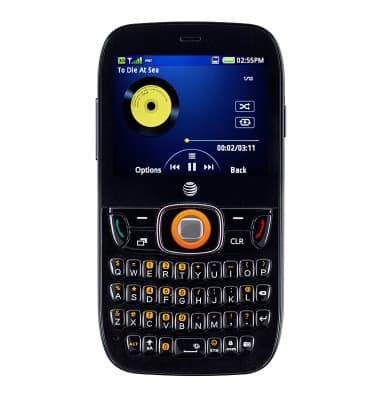
- Press the Left Nav key to jump to the previous song in the playlist. Press and hold the key to scrub backwards through the current song.
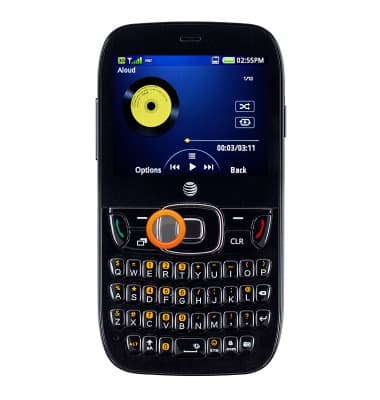
- Press the Right Nav key to jump to the next song in the playlist. Press and hold the key to scrub forward through the current song.
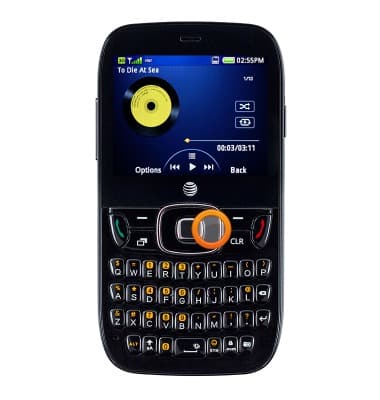
- Press the Up Nav key to view the music menu.
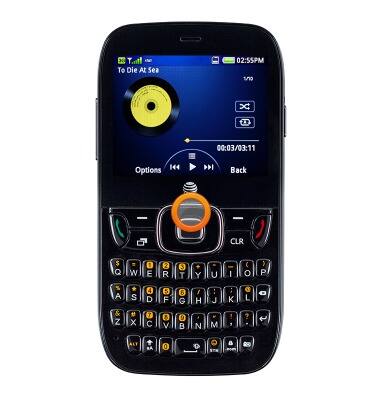
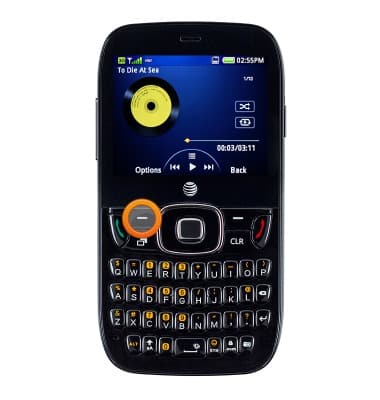
- Press the Left Soft key to view more options.
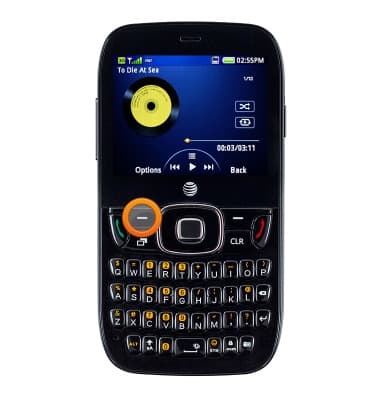
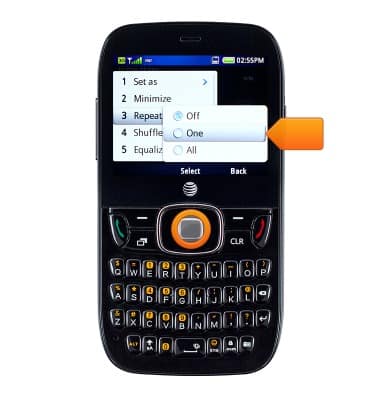
- To change the repeat settings, press the Left Soft key.
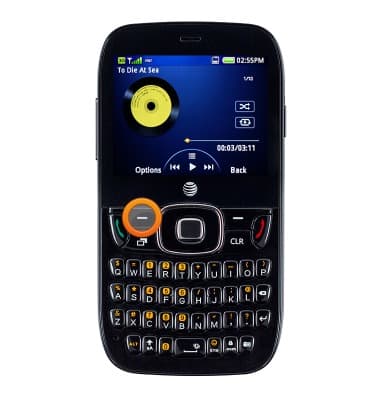
- Select Repeat, then press the Center Nav key.
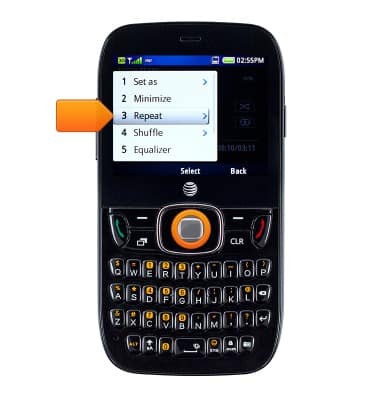
- Select the desired option, then press the Center Nav key.
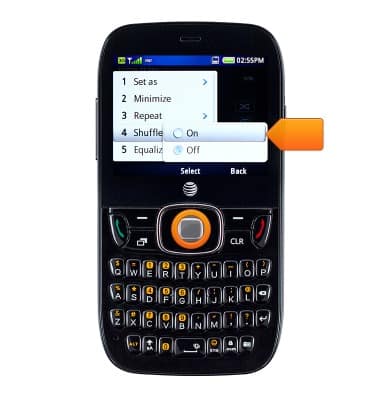
- To change the shuffle settings, press the Left Soft key.
- Select Shuffle, then press the Center Nav key.
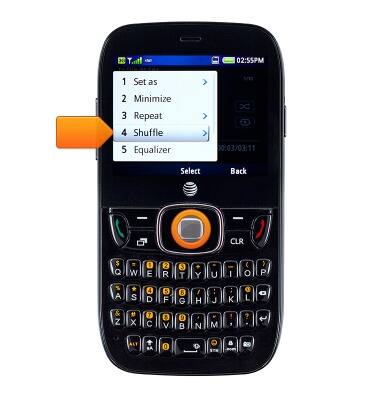
- Select the desired option, then press the Center Nav key.
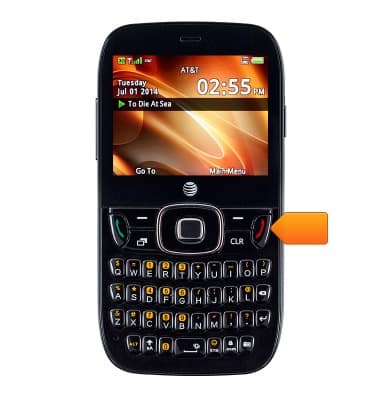
- To turn off the music player from the home screen, press the End key.
Play music
ZTE Z432
Play music
Play music, turn the music player off.
INSTRUCTIONS & INFO