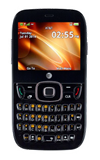
- With a text field highlighted, press a key to input the desired character.
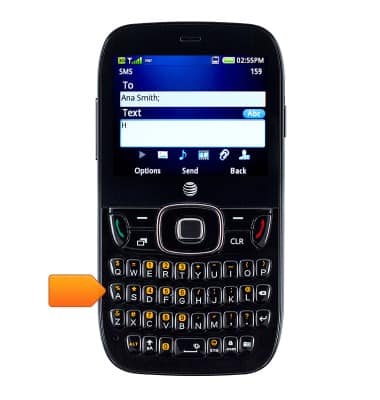
- Press the aA icon once to capitalize the letters. Press it twice to type in uppercase.
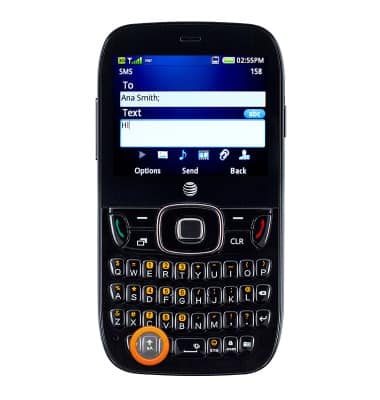
- Press ALT once to access numbers. Press it twice to continue typing numbers.
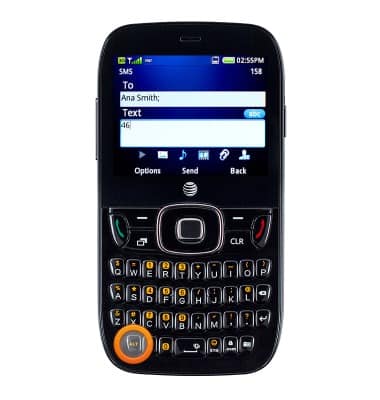
- Press Sym to access common special characters.
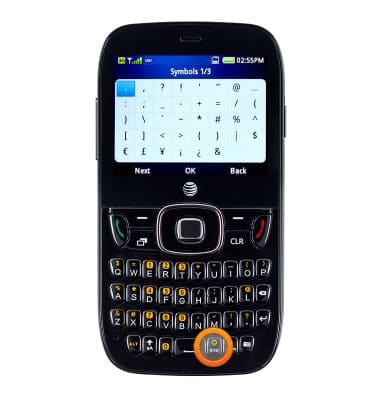
- Press the Right Soft key to return to the previous screen.
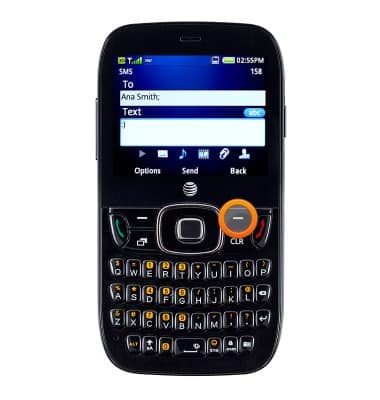
- Press the Enter key to start a new paragraph.
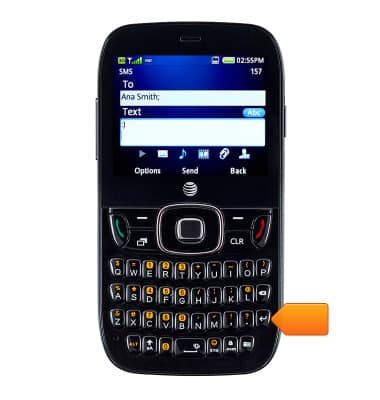
- Press the Delete icon to delete the letters.
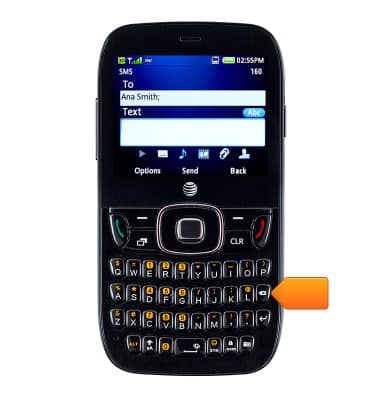
- To access the keyboard settings, press the Left Soft key.
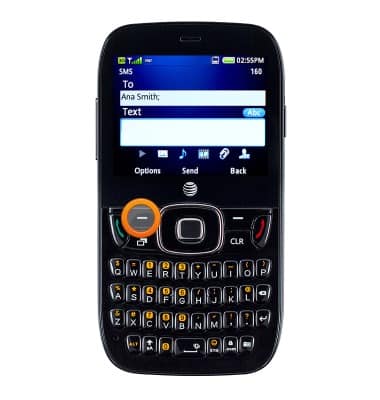
- Scroll to Input Settings, then press the Center Nav key.
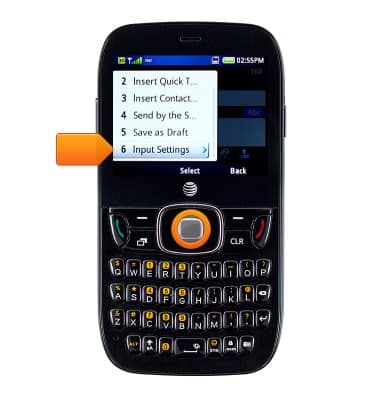
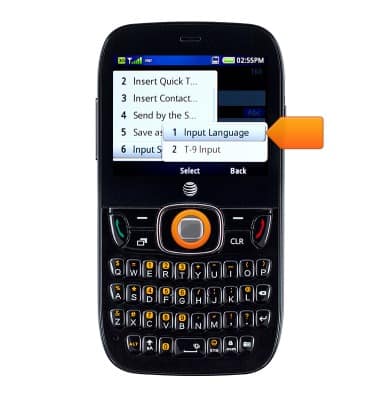
- To change language, scroll to Input Language then press the Center Nav key.
- To enable or disable the predictive text feature, scroll to T-9 Input, then press the Center Nav key.
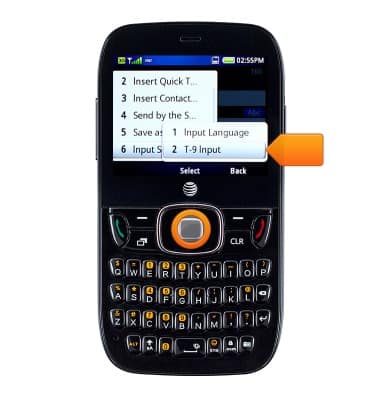
- Scroll to the desired option, then press the Center Nav key.
Note: This tutorial selects "T-9 input on."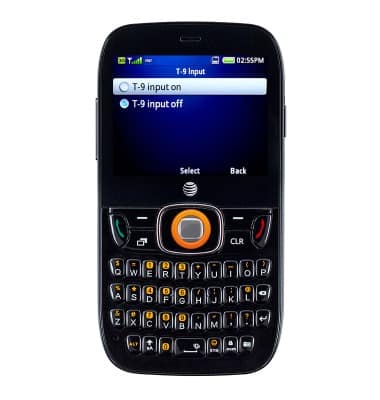
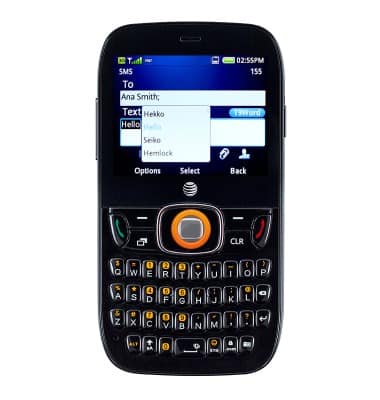
- Predictive text is listed next to the typed word. Scroll to the desired text, then press the Center Nav key to select.
Keyboard & typing
ZTE Z432
Keyboard & typing
How to use the keyboard, use speech-to-text, access keyboard settings, and more.
INSTRUCTIONS & INFO