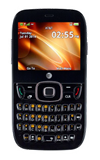
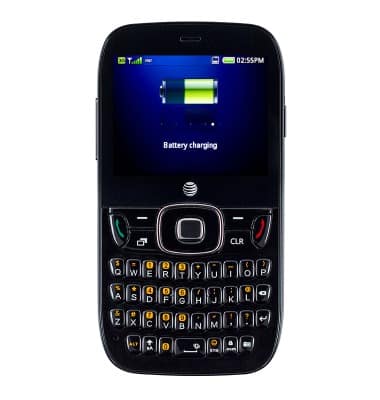
- Ensure that the device battery is charged to completion during its initial charging phase to prolong battery life.
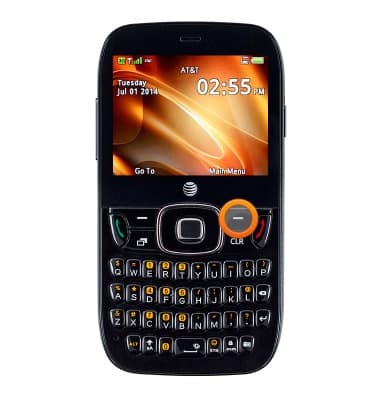
- To access power saving mode, from the home screen, press the Right Soft key.
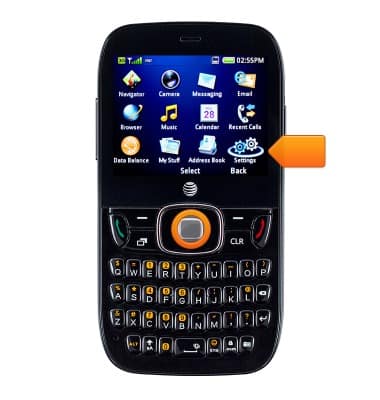
- Select Settings, then press the Center Nav key.
- Select Display Settings, then press the Center Nav key.
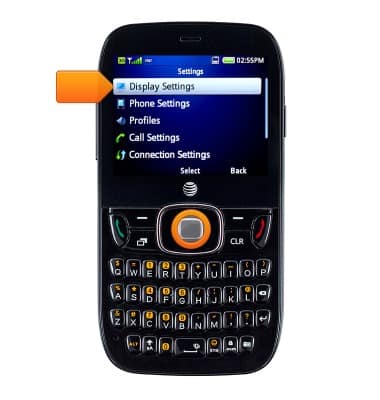
- Select Power Saving Mode, then press the Center Nav key to enable or disable the feature.
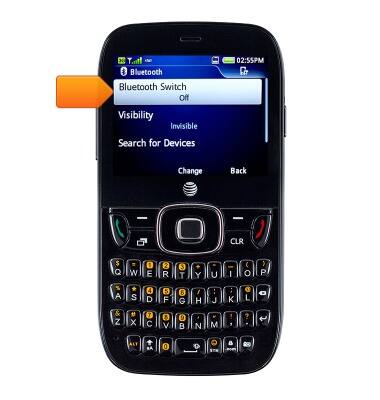
- Disable Bluetooth when it isn't in use.
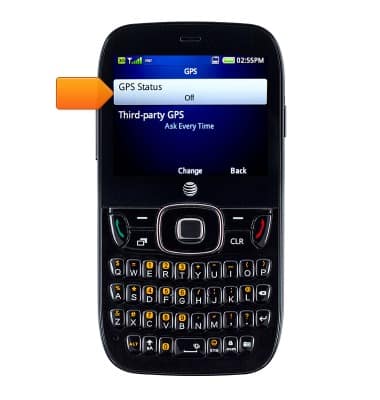
- Disable GPS when it isn't in use.
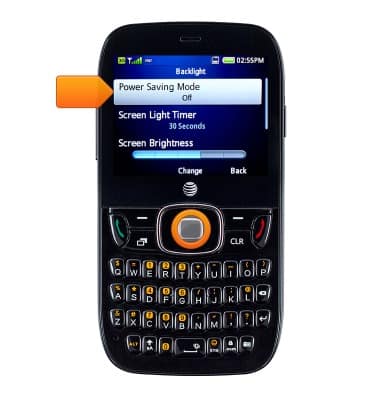
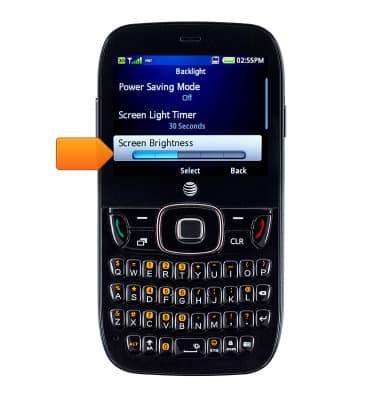
- Lower screen brightness to prolong battery life.
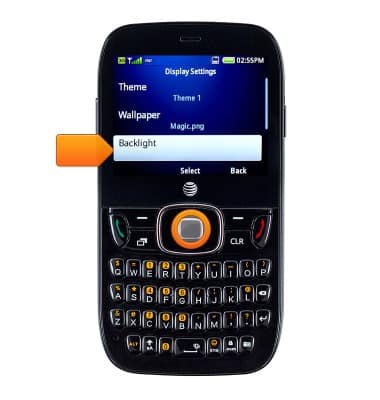
- Select Backlight, then press the Center Nav key.
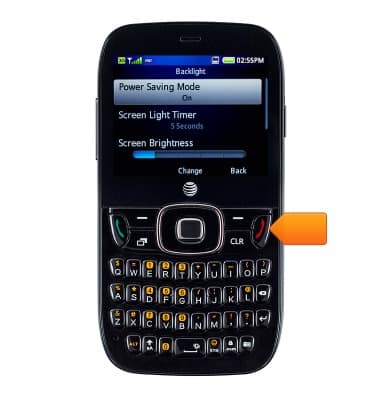
- Press the End key to return to the home screen.
Battery life
ZTE Z432
Battery life
Tips & tricks to extend your battery performance.
INSTRUCTIONS & INFO