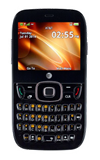
- From the home screen, press the Right Soft key.
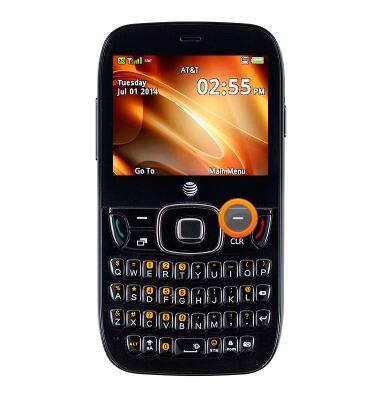
- Select Settings, then press the Center Nav key.

- Select Profiles, then press the Center Nav key.
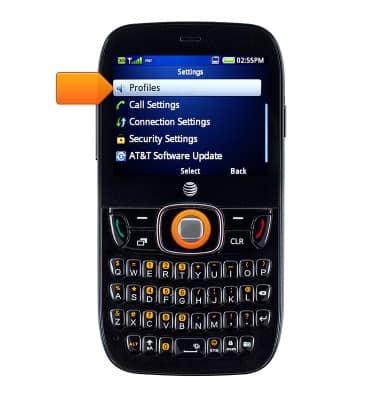
- Select General, then press the Center Nav key.
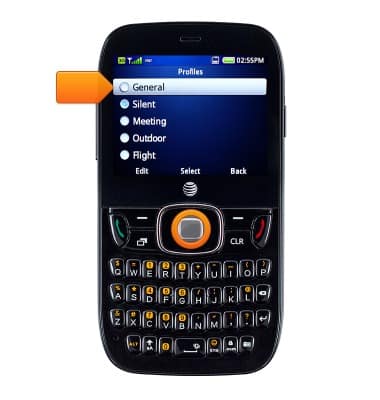
- Press the Left Soft key to edit.
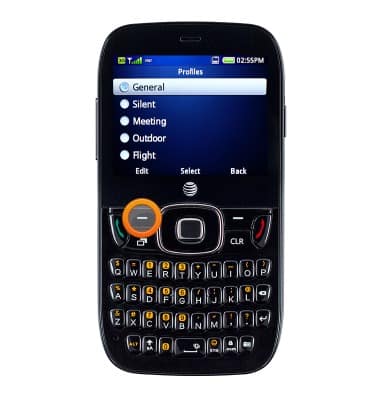
- Scroll down and select the desired sound profile, then press the Center Nav key.
Note: For this demonstration, "Message Tone" is selected.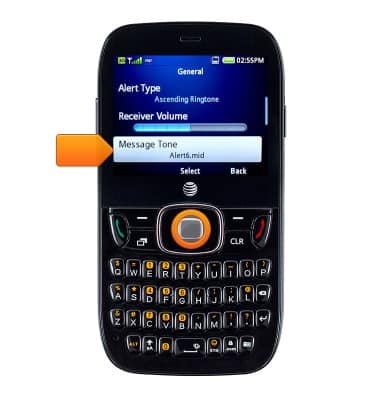
- Select the desired option, then press the Center Nav key to save.
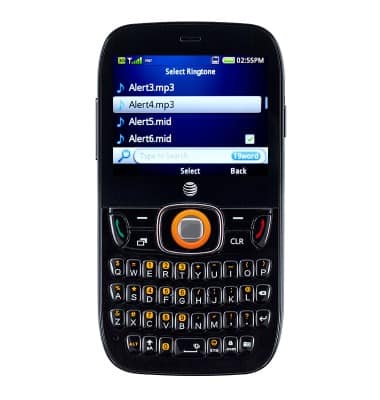
Change alerts
ZTE Z432
Change alerts
This article describes how to change the device's alerts.
INSTRUCTIONS & INFO