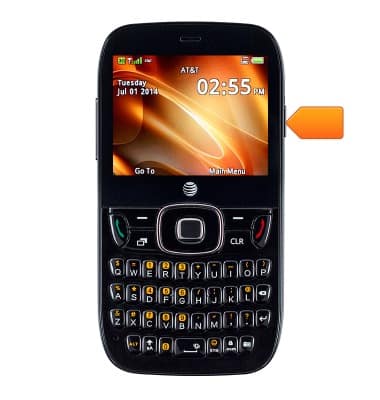
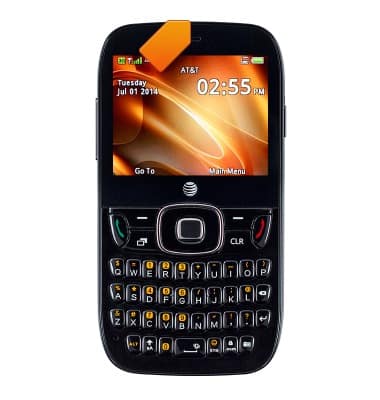
- Press the Power/Lock key to lock the screen. Press and hold the key to turn the device on or off.
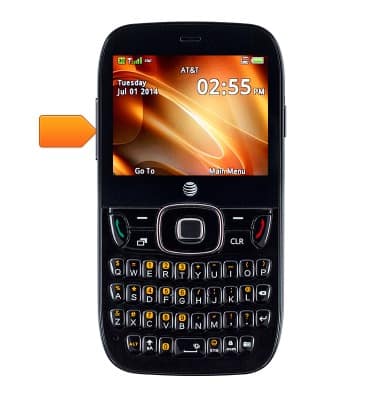
- Press the Volume key to adjust the volume.
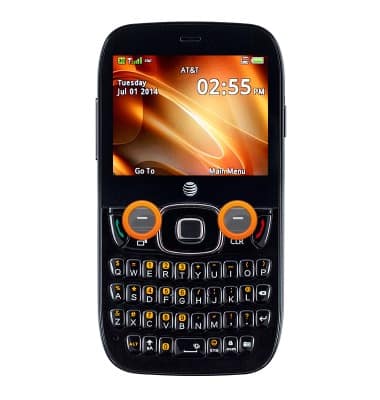
- Press the Left and Right Soft keys to use context-sensitive actions.
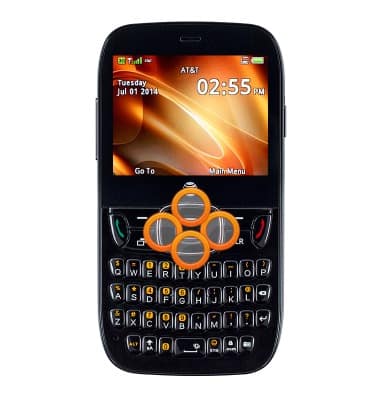
- The Navigation keys are used to navigate around the current screen.
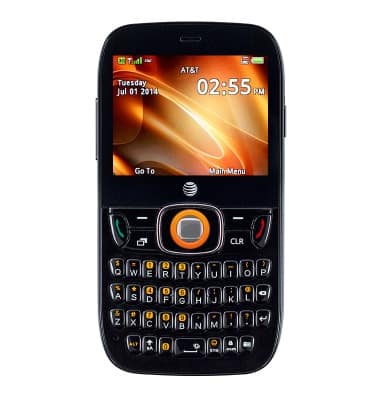
- Press the Center Nav key to make a selection.
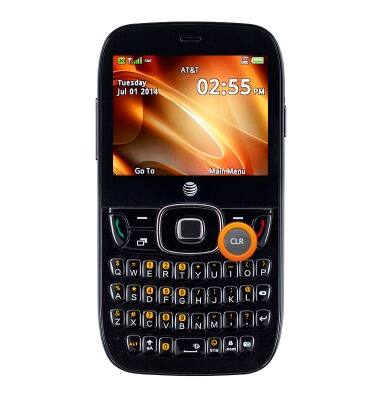
- Press the Clear key to delete the last character entered in a text field or the last digit entered of a phone number.
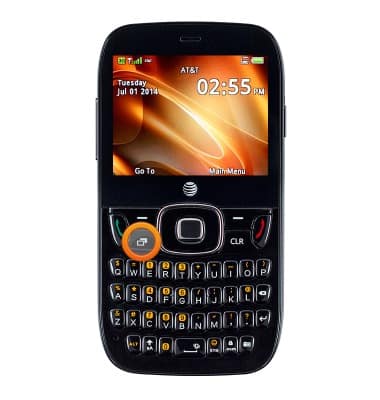
- Press the Recent apps key to launch the multitasking screen.
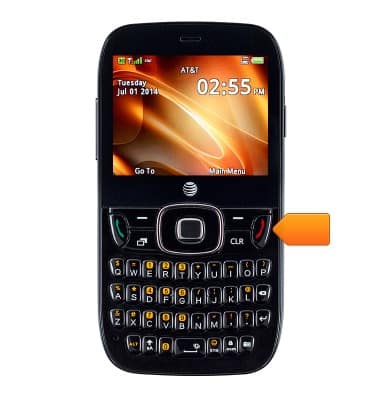
- Press the Call key to call a dialed number of selected contact.
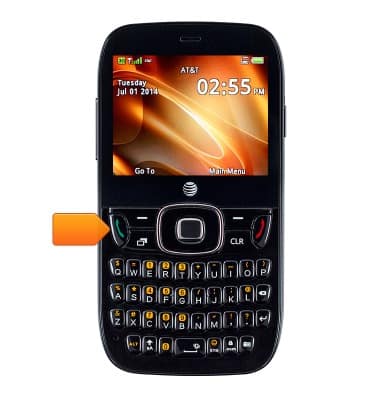
- Press the End key to end a call or return to the home screen.
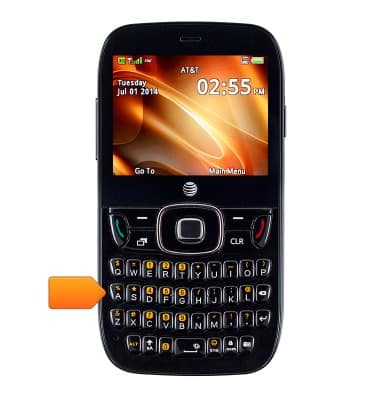
- Use the keypad to enter text and numbers.
- This is the Headphone jack. Insert a headphone to listen to music or make calls.
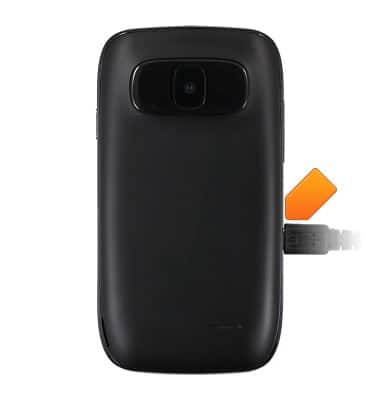
- This is the USB/Charger port. Insert the microUSB cable to transfer files or charge the device.
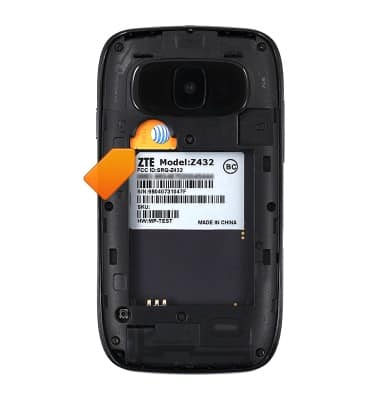
- This is the SIM card slot.
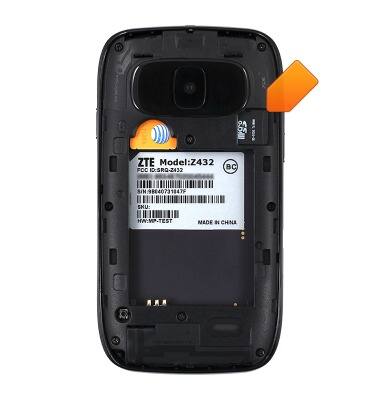
- This is the Memory card slot.
Device layout
ZTE Z432
Device layout
Provides an overview of the device layout.
INSTRUCTIONS & INFO