- Insert the microUSB end of the microUSB cable into the USB port on the wall charging adapter.
Note: Use the original charger to maintain optimal battery performance over the life of your device.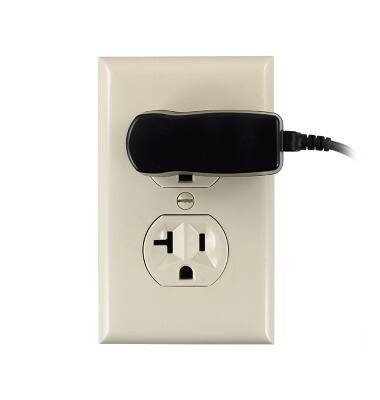
- Plug the wall charging adapter into an available power outlet.
Note: This device supports USB 2.0 cables.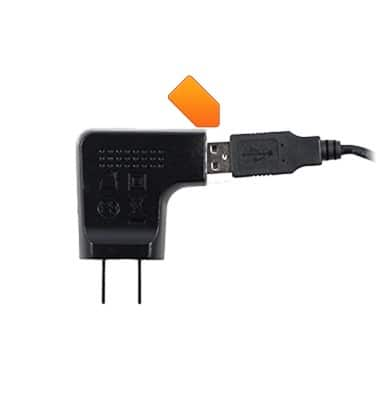
- Insert the microUSB end of the microUSB cable into the microUSB port on the device.
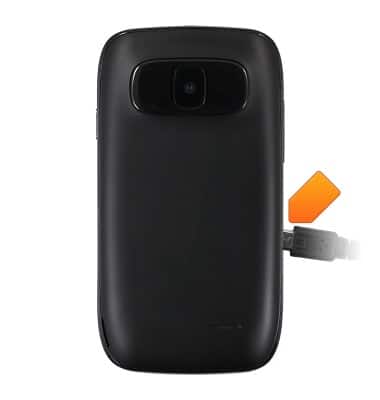
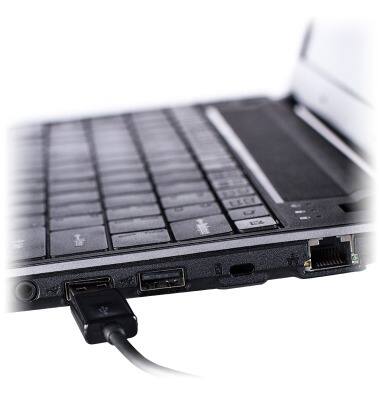
- The device can also be charged via laptop. Insert the microUSB end of the microUSB cable into the microUSB port on a laptop.
- The Battery icon is displayed in the Notifications bar.
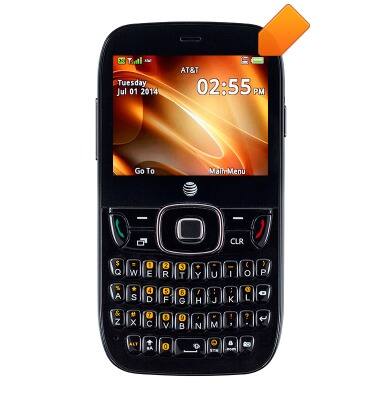
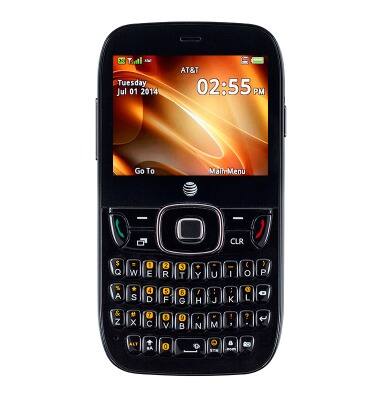
- For best performance, charge the battery fully prior to using the device for the first time.
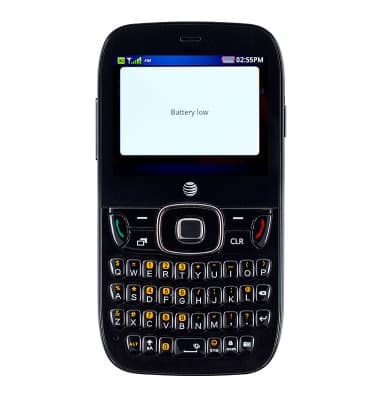
- The device automatically powers off when the battery power is too low.
Charge the battery
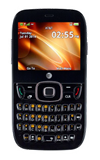
ZTE Z432
Charge the battery
How to charge your battery.
INSTRUCTIONS & INFO