- From the home screen, tap the Apps icon.
Note: If you have forgotten your existing voicemail password, you will not be able to access Voicemail until you reset your voicemail password.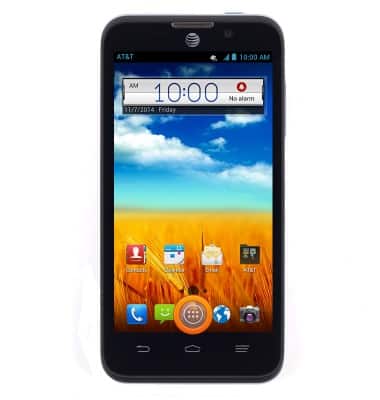
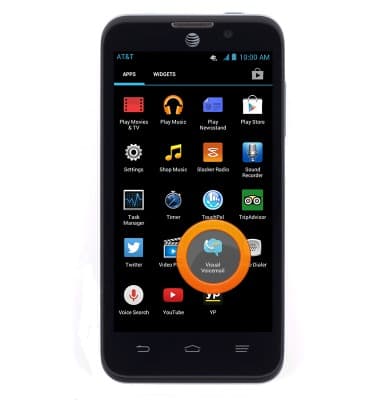
- Swipe to, then tap Visual Voicemail.
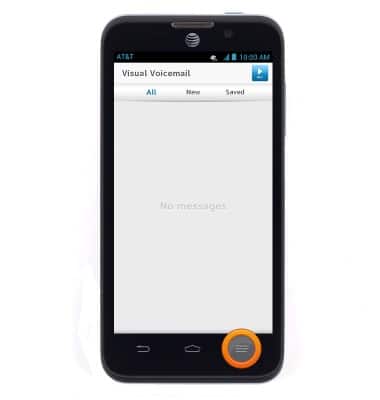
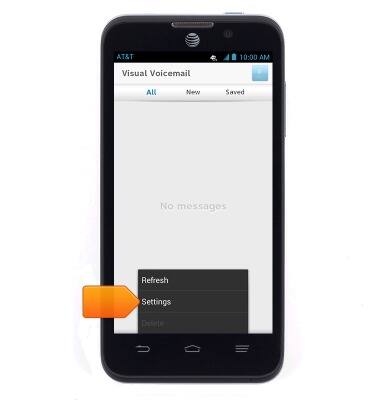
- Press the Menu key.
- Tap Settings.
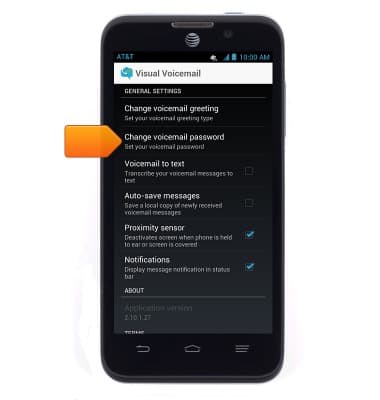
- Tap Change voicemail password.
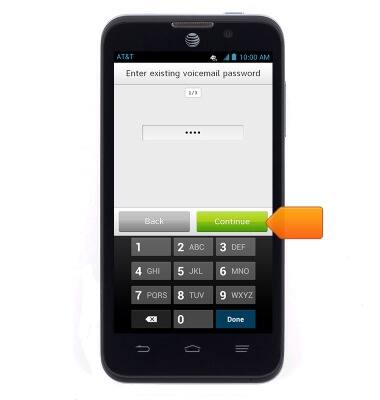
- Enter your existing voicemail password, then tap Continue.
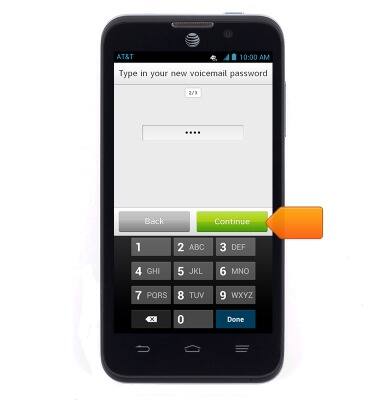
- Enter the desired new password, then tap Continue.
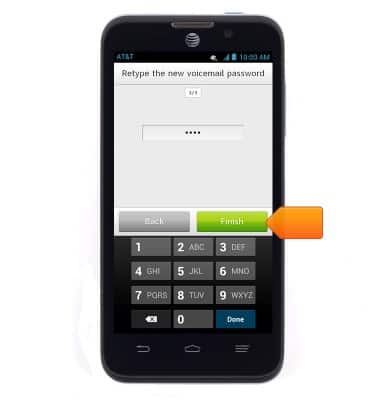
- Re-enter the new password, then tap Finish.
Change or reset voicemail password
ZTE Z998
Change or reset voicemail password
How to troubleshoot the voicemail feature.
INSTRUCTIONS & INFO