
- To change your voicemail password, you must know your current voicemail password.
Note: If you have forgotten your existing voicemail password, you will not be able to access Voicemail until you reset your voicemail password.
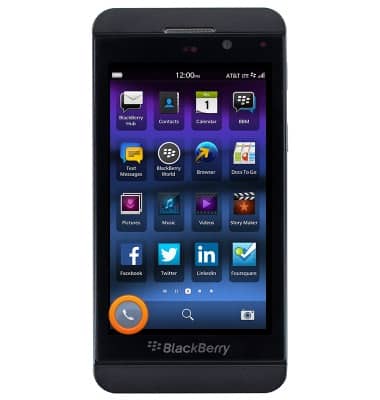
- From the home screen, tap the Phone icon.
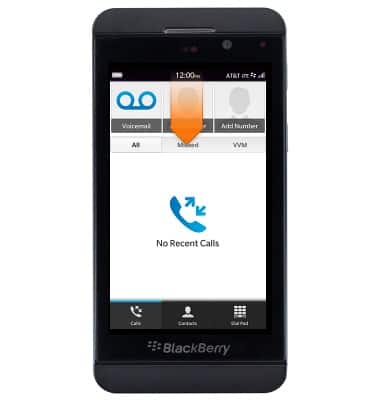
- Swipe down from the status bar.
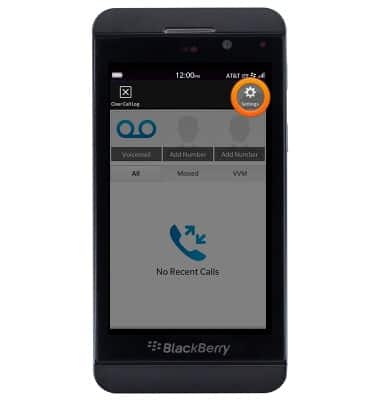
- Tap Settings.
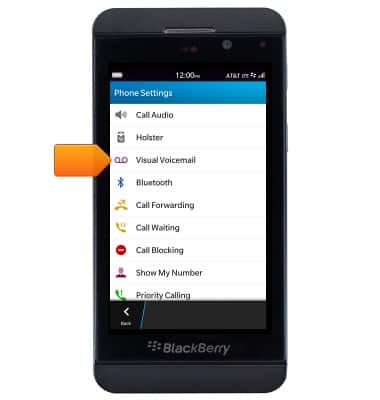
- Tap Visual Voicemail.
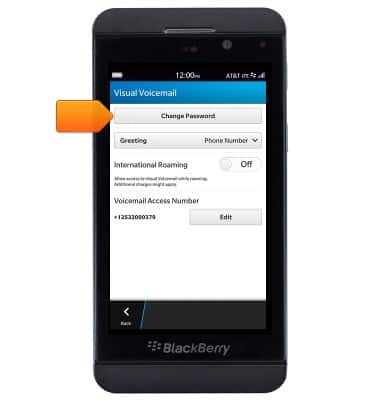
- Tap Change Password.
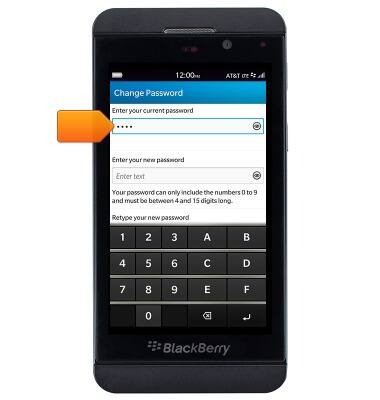
- Tap the Current password field, then enter the current voicemail password.
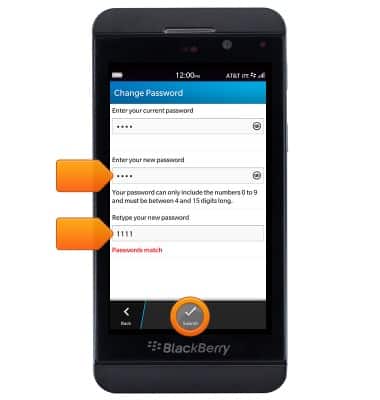
- Enter the desired new password in each of the indicated fields, then tap Submit.
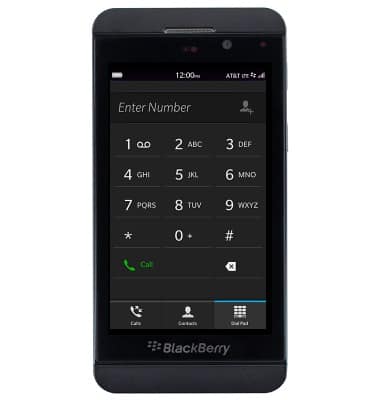
- Alternatively, from the dialpad dial 611, then follow the in-call prompts to reset your Voicemail password.
Change or reset voicemail password
BlackBerry Z10 (STL100-3)
Change or reset voicemail password
This article describes how to change the voicemail password.
INSTRUCTIONS & INFO