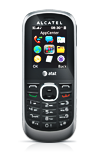
- From the home screen, press the Right Soft key.
Note: The device will automatically attempt to set the date and time from the network. This tutorial demonstrates how to manually set the date and time on your device.
- Scroll to Settings, then press the Center Nav key.

- Scroll to Phone Settings, then press the Center Nav key.

- With Time and Date selected, press the Center Nav key.
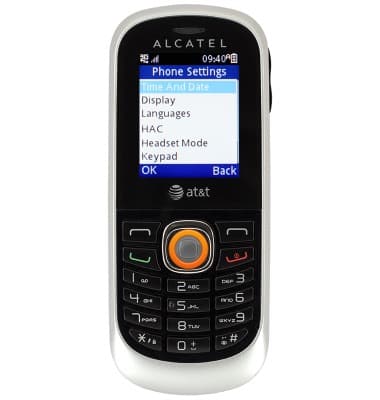
- Scroll to the Time field, then enter the desired time.

- Scroll to the Time Meridian field, then scroll left or right to selected the desired option.
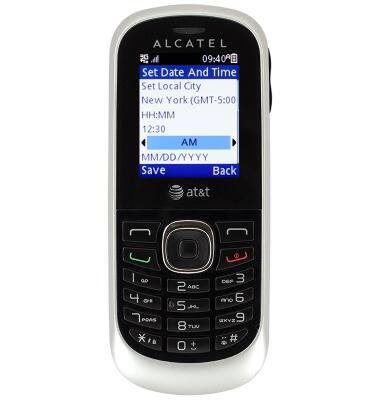
- Scroll to the Date field, then enter the desired date.

- Press the Center Nav key.

Date & time
Alcatel 510A
Date & time
Set the date & time.
INSTRUCTIONS & INFO