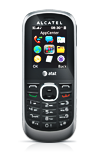
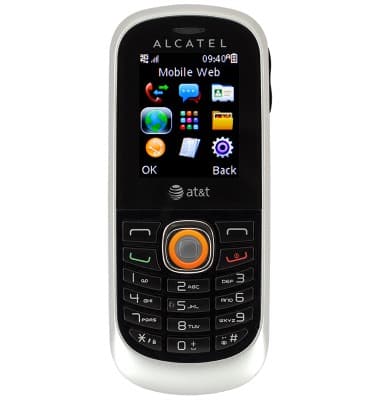
- From the home screen, press the Right Soft key.

- With Mobile Web selected, press the Center Nav key.
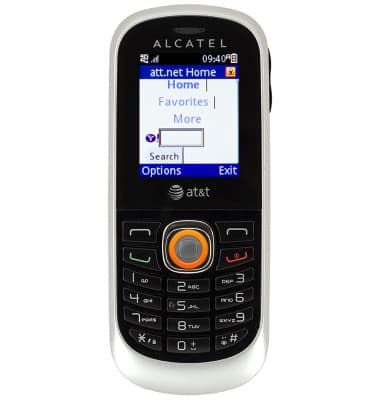
- Scroll to the Search field, then press the Center Nav key.
- Enter the desired search, then press the Center Nav key.
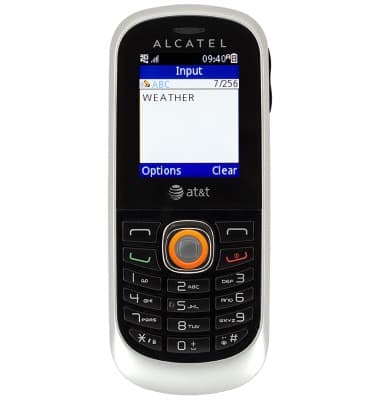
- With Done selected, press the Center Nav key.
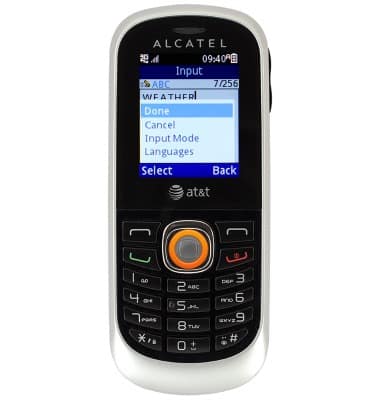
- Scroll to the Search button, then press the Center Nav key.
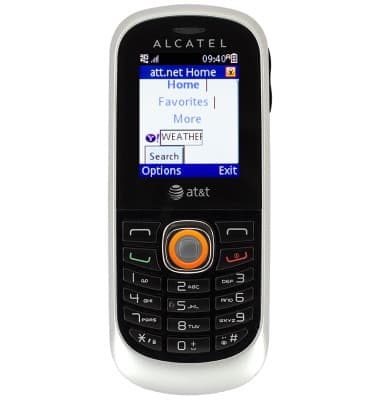
- The results are displayed.

Search
Alcatel 510A
Search
Perform a text and voice search on your device and how to adjust search settings.
INSTRUCTIONS & INFO