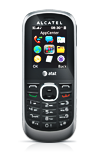
- From the home screen, press the Down Nav key.

- Scroll to Add New Contact, then press the Center Nav key.
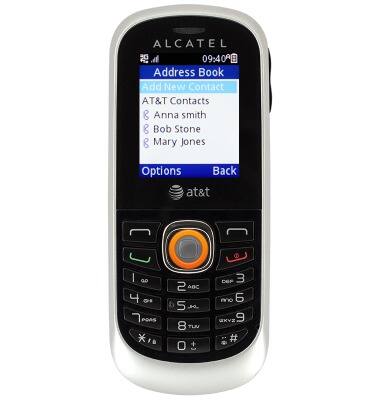
- Enter the first name, then scroll to the Last Name field.
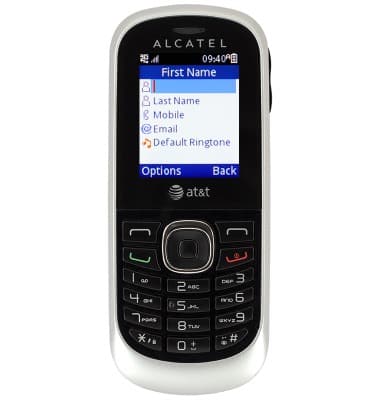
- Enter the last name, then scroll to the Mobile field.
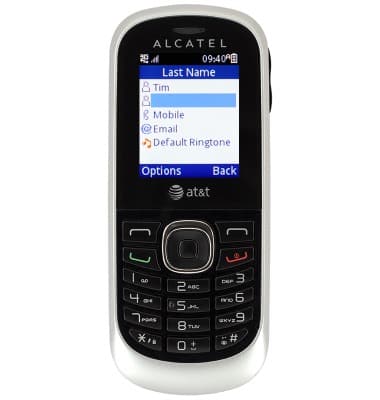
- Enter the phone number.
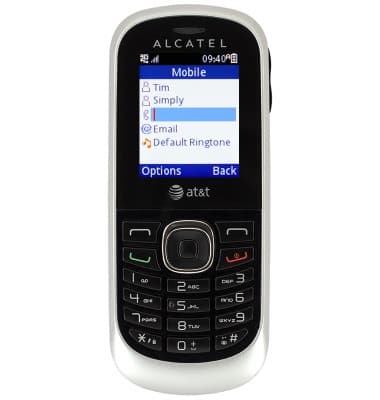
- To add a custom ringtone, scroll to Default Ringtone, then scroll left or right to select the desired tone.
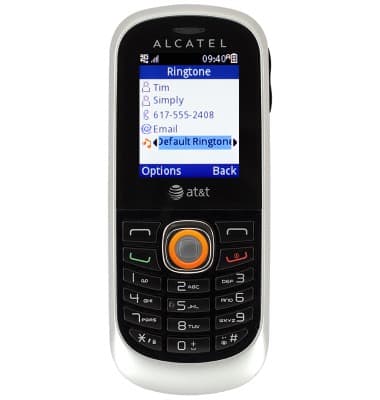
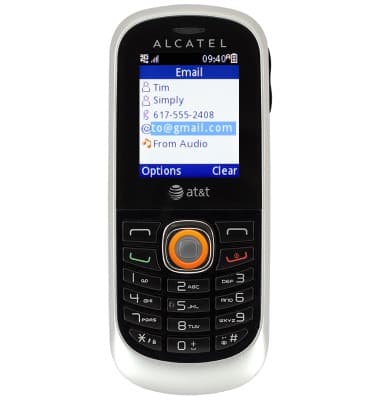
- Edit additional details as desired, then press the Center Nav key.
- To edit a contact, scroll to the desired contact, then press the Left Soft key.
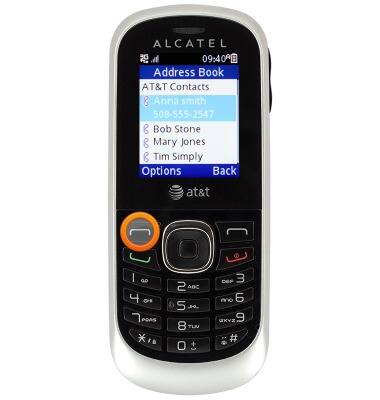
- Scroll to Edit, then press the Center Nav key.
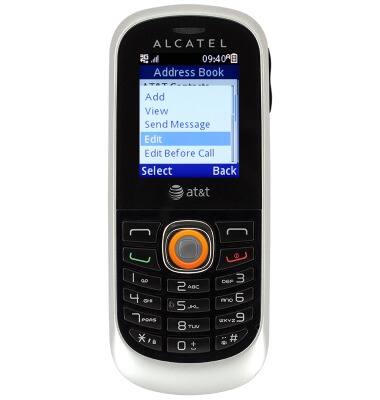
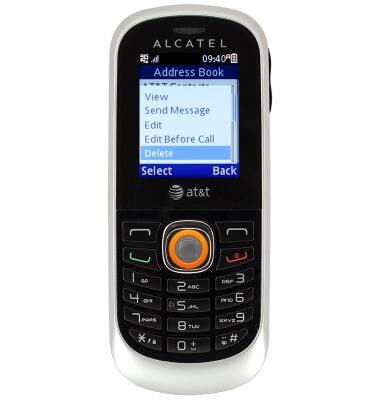
- To delete the contact, scroll to Delete, then press the Center Nav key.
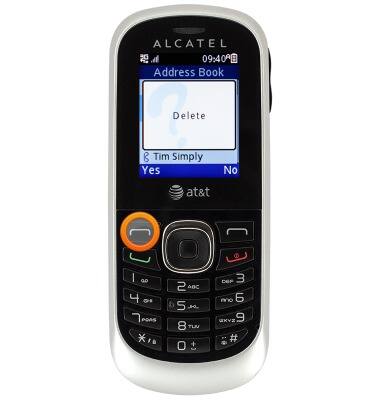
- Press the Left Soft key.
Contacts
Alcatel 510A
Contacts
Add, view, delete, and customize contacts by adding a picture or ringtone.
Contacts
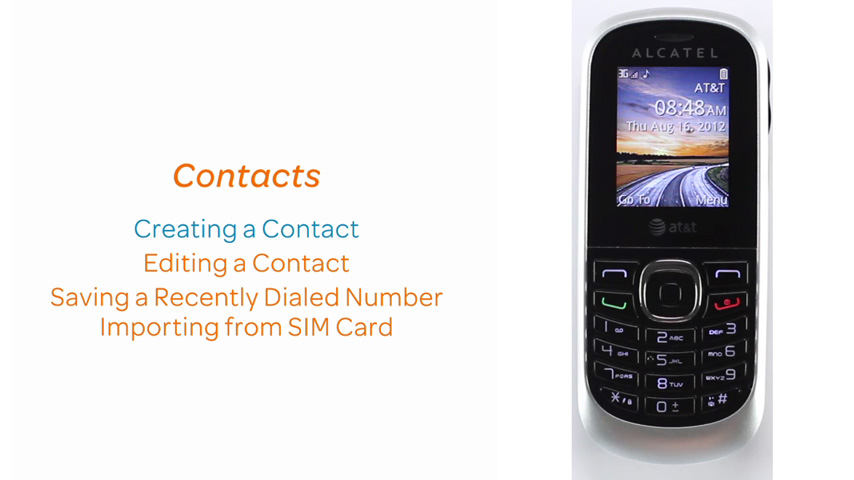
This video demonstrates several contacts functions.
Contacts
2:20
INSTRUCTIONS & INFO