
- To change your voicemail password, you must know your current voicemail password.
Note: If you have forgotten your existing voicemail password, you will not be able to access Voicemail until you reset your voicemail password.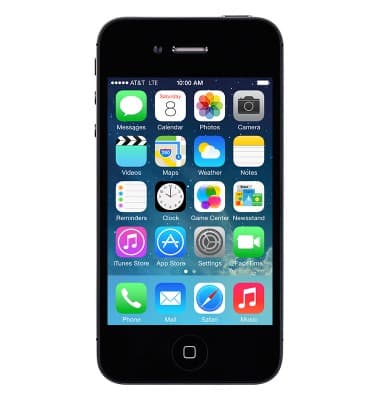
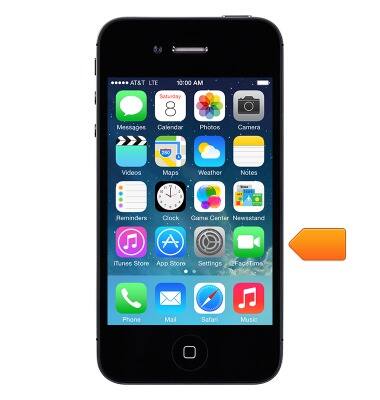
- Tap Settings.
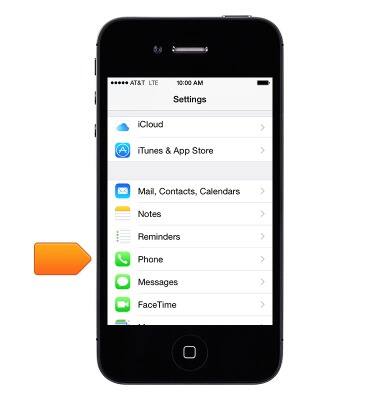
- Tap Phone.
- Tap Change Voicemail Password.
Note: This option will only appear once you have set up Visual Voicemail.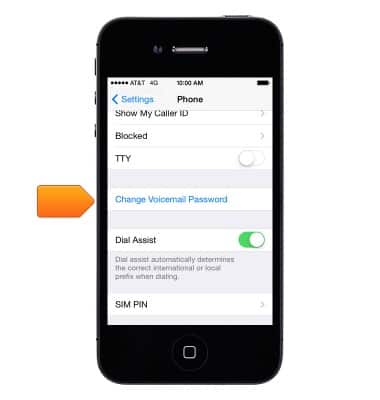
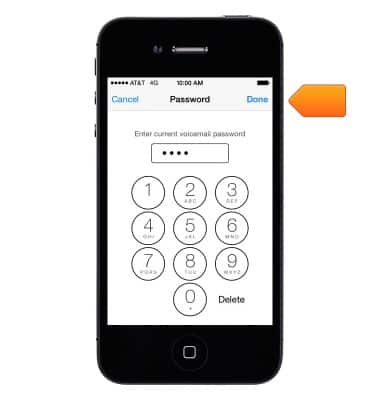
- Enter the current voicemail password, and then tap Done.
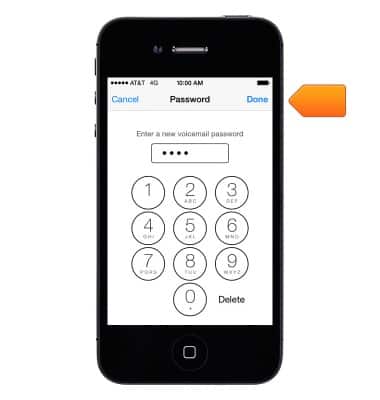
- Enter the new desired voicemail password, and then tap Done.
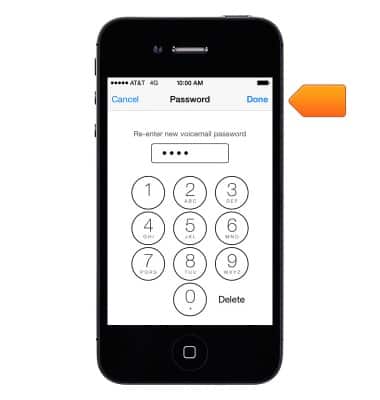
- Re-enter the new password, and then tap Done.
Change or reset voicemail password
Apple iPhone 4
Change or reset voicemail password
How to troubleshoot the voicemail feature.
INSTRUCTIONS & INFO