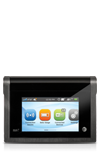
- Use the original charger and battery to maintain optimal battery performance over the life of your device.

- To charge the devices battery, locate the microUSB port on the top right side of the device.
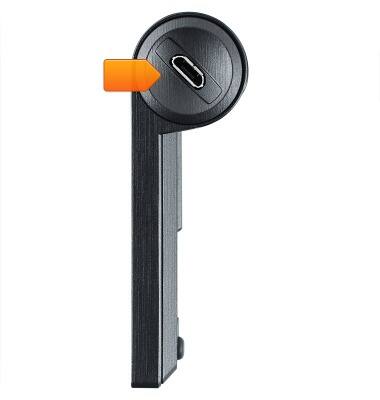
- Align the microUSB connector with the microUSB port on the device.
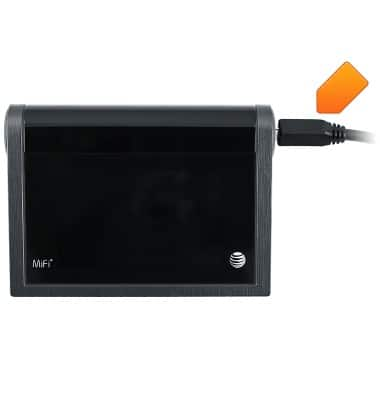
- Insert the microUSB connector into the microUSB port on the device.

- Insert the other end of the microUSB cable into the Power adapter provided with the package.
Note: Note: Your device charges quicker using a power outlet then when connected to a laptop or other power source.
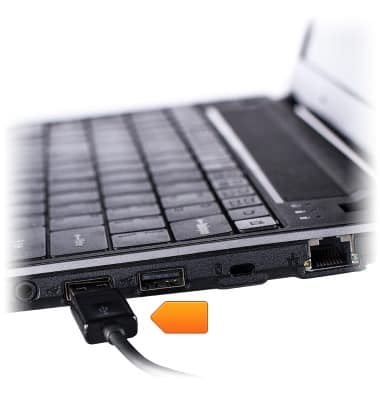
- Alternatively, insert the opposite end of the cable into the port on a computer.
- When the battery is charging, the Charging icon will be displayed in the Notification bar.
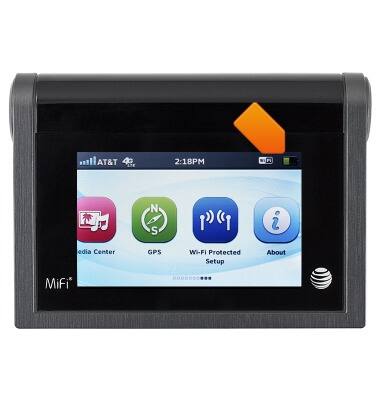
- When the Battery is fully charged, the Fully Charged icon will be displayed in the Notification bar.

- To learn more about your charging your battery download the user manual.
Charge the battery
AT&T Mobile Hotspot MiFi Liberate
Charge the battery
This tutorial shows how to charge the battery.
INSTRUCTIONS & INFO