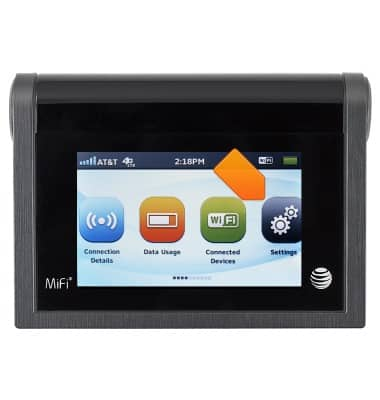
- To access Wi-Fi settings, tap Connection Details.
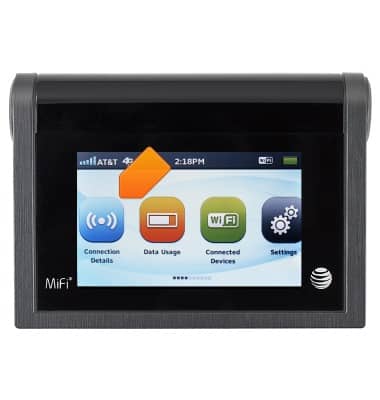
- To access and manage data, tap Data Usage.
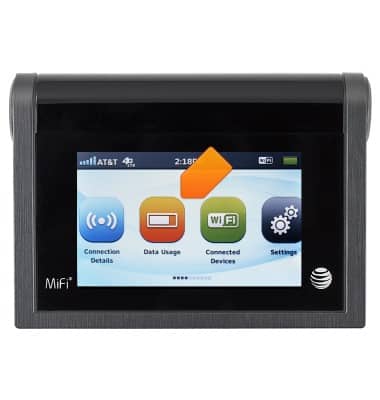
- To view connected devices, tap Connected Devices.
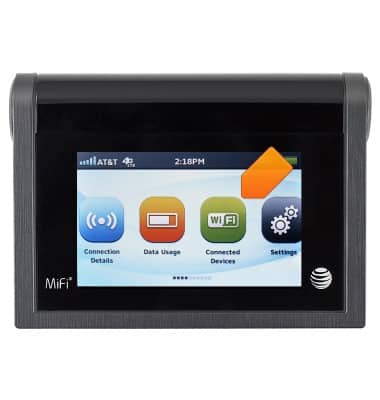
- To access device settings, tap Settings.
- To share files, swipe to, then tap File Sharing.
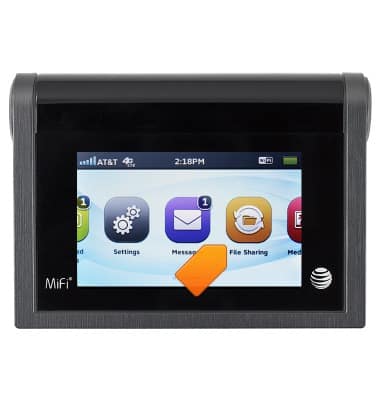
- To access received messages, swipe to, then tap Messages.

- To access pictures and audio, swipe to, then tap Media Center.
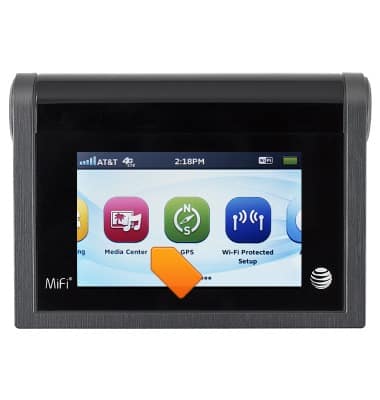
- To access GPS settings, swipe to, then tap GPS.
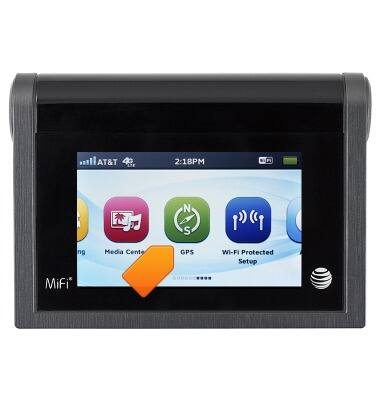
- To access WPS settings, tap Wi-Fi Protected Setup.
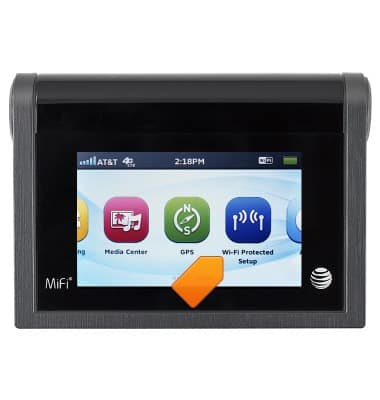
- To access device information, swipe to, then tap About.
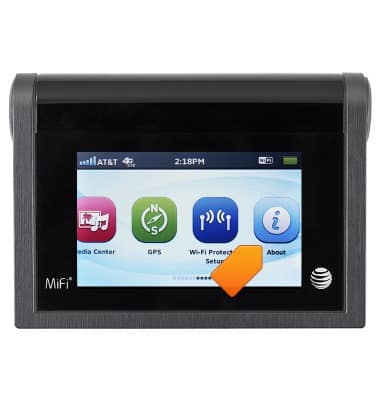
- The Notification bar displays the signal strength, network, data icons, the time, and battery status.
Learn the home screen
AT&T Mobile Hotspot MiFi Liberate
Learn the home screen
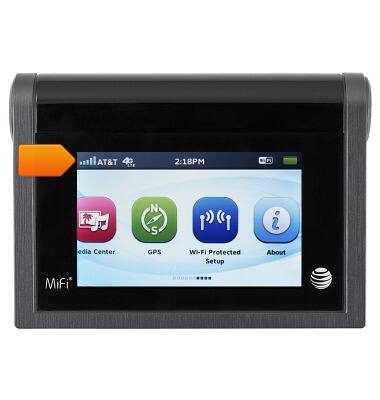
This article provides an overview of the home screen.
INSTRUCTIONS & INFO