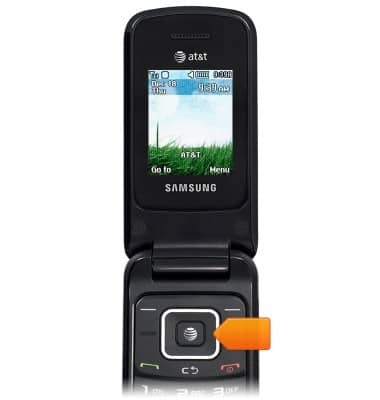
- From the home screen, press the Right nav key to access your Address Book.
- Scroll to 'Speed Dial List', then press the Left soft key.
Note: Alternatively, press '4' on the keypad.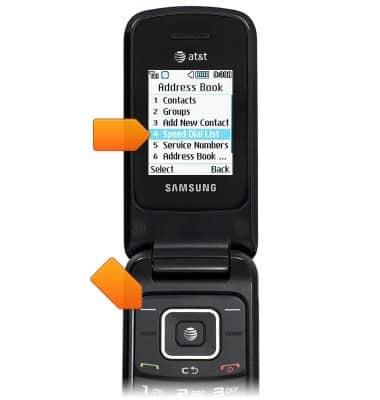
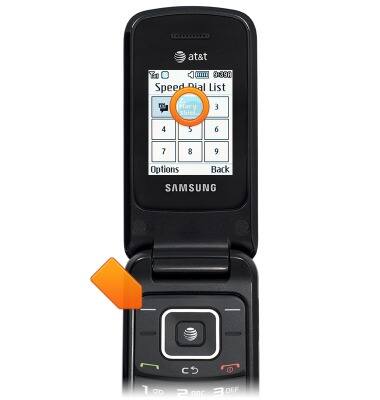
- Highlight the desired number, then press the Center nav key.
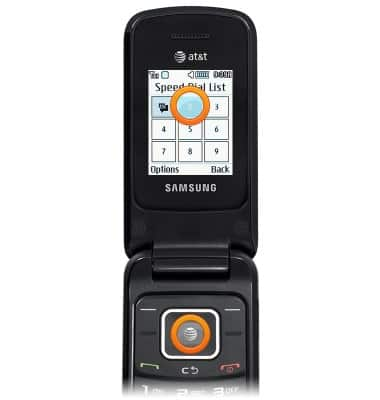
- Scroll to the desired contact, then press the Left soft key.
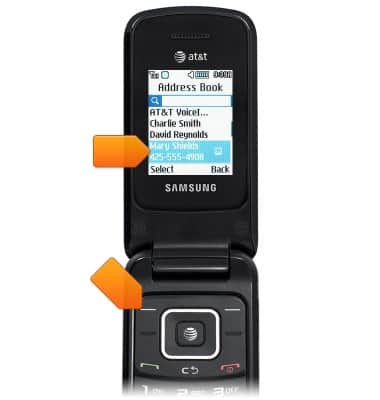
- To update or delete a speed dial contact, highlight the desired number, then press the Left soft key.
- To update the number, scroll to 'Change', then press the Left soft key.
Note: Alternatively, press '2' on the keypad.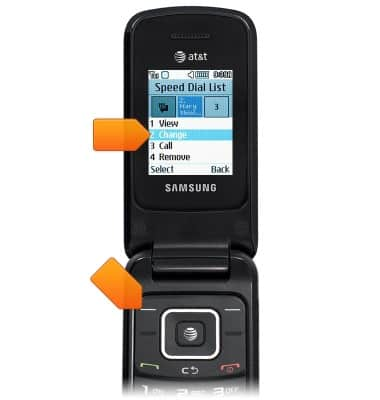
- To delete the selected speed dial contact, scroll to 'Remove', then press the Left soft key.
Note: Alternatively, press '4' on the keypad.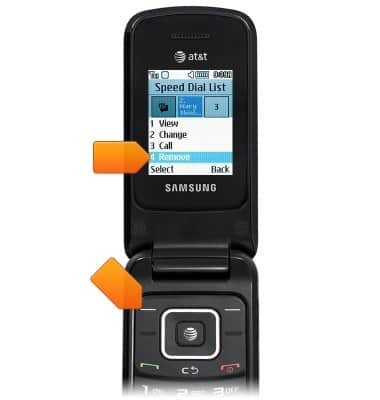
- To call a speed dial contact, from the home screen, press and hold an assigned number on the keypad.
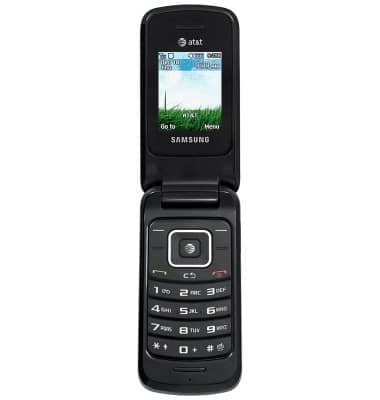
Speed dial
Samsung A157/A157V
Speed dial
Learn how to use speed dial and manage speed dial contacts.
INSTRUCTIONS & INFO