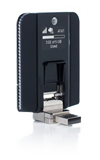
- On a Windows 7 computer, with the Beam attached to your device, open AT&T AllAccess.
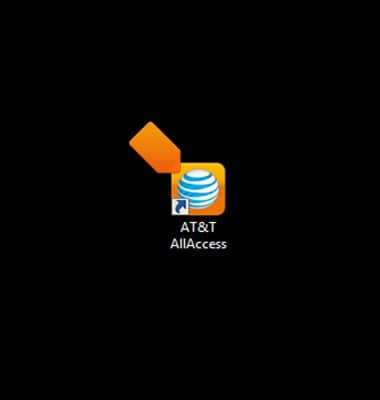
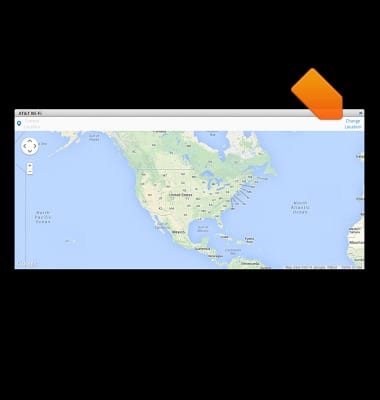
- Click AT&T Wi-Fi.

- Click Change Location.
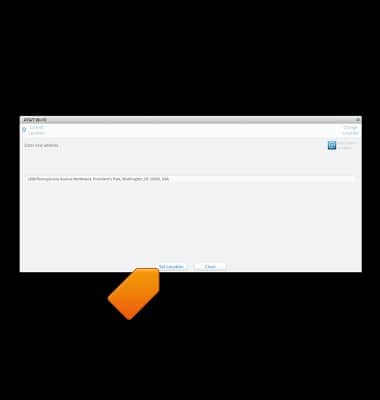
- Enter the desired address.
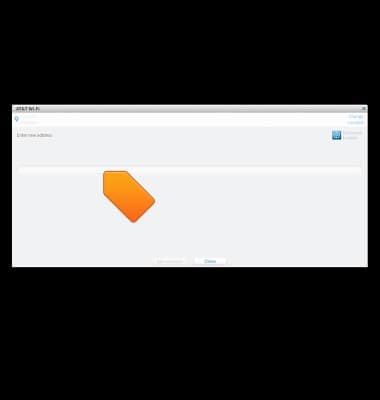
- Click Set Location.
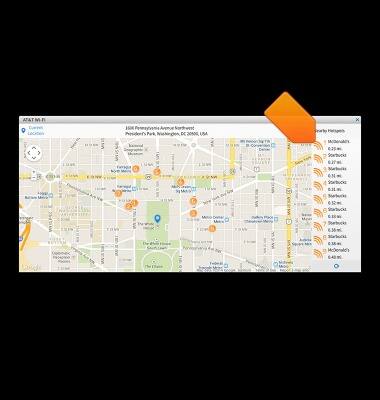
- AT&T AllAccess will display nearby hotspots. Click the desired hotspot for details.
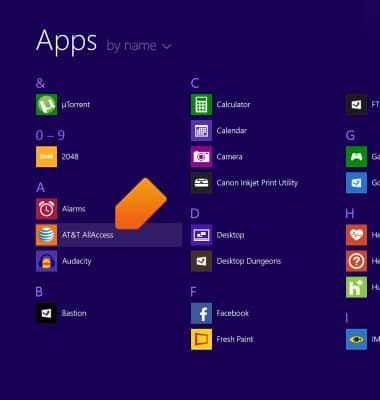
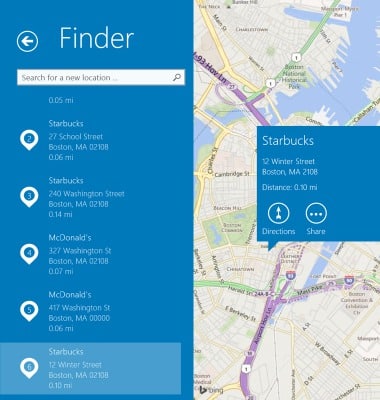
- If you are using Windows 8/RT, open AT&T AllAccess.
- Click Wi-Fi Finder.
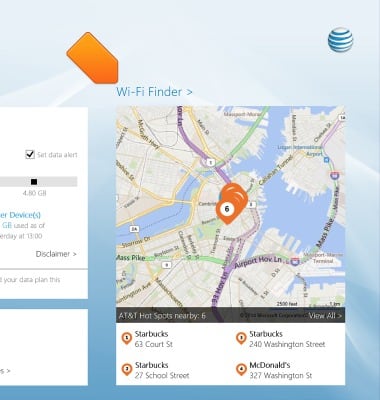
- Click the desired network to view location details.

- Location information for the Hot Spot will be displayed.
Connect Windows to Wi-Fi
Sierra Wireless Beam (AC340U)
Connect Windows to Wi-Fi
Learn how to connect to the hotspot using Windows.
INSTRUCTIONS & INFO

Starting December 31, 2022, the AT&T AllAccess app is going away. As a result, some features on your device may no longer be supported. You'll be able to view data usage and notifications on your myAT&T account page, and you can explore other options to stay connected with your device on the go. Learn more about mobile hotspot options.