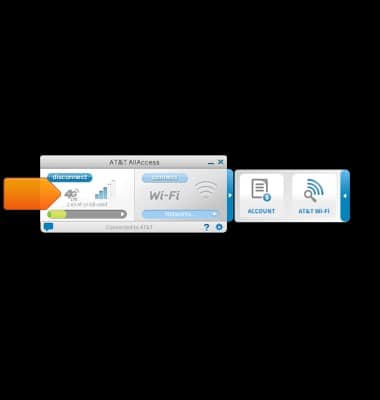
- The mobile broadband section displays signal strength and data usage, and connects you to the wireless network.
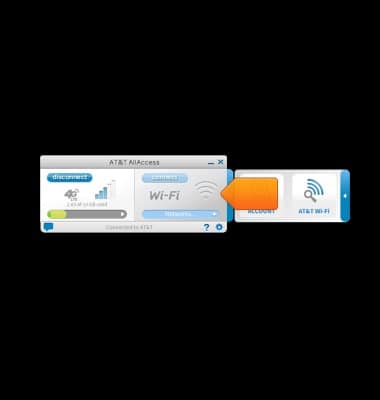
- The Wi-Fi section displays the current Wi-Fi information, and connects you to Wi-Fi networks.
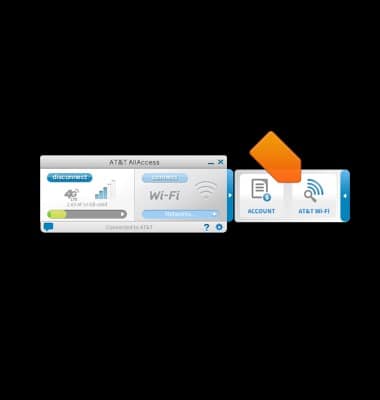
- Click ACCOUNT to view account settings, data usage, and data plan details.

- Click AT&T Wi-Fi to open the Wi-Fi network locator.
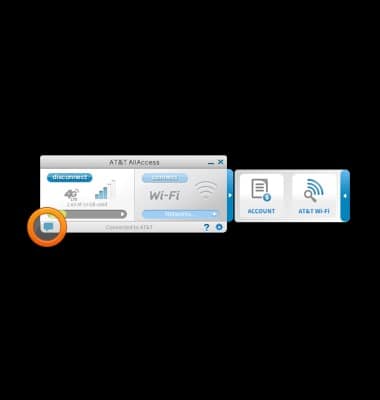
- Click the Notifications icon to view device notifications.
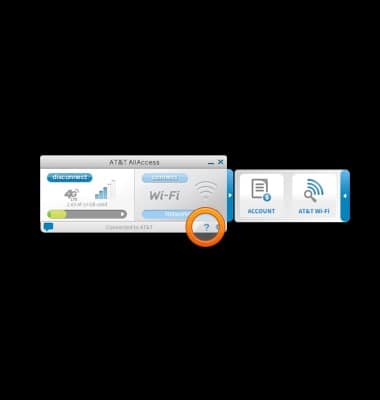
- Click the Help icon to open the Help menu.
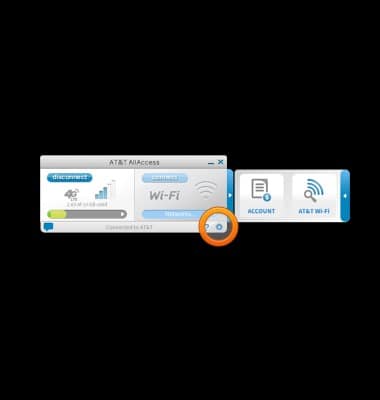
- Click the Settings icon to view device settings.
AT&T AllAccess Windows 7 or earlier
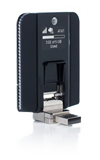
Sierra Wireless Beam (AC340U)
AT&T AllAccess Windows 7 or earlier
This article provides an overview of AT&T AllAccess in Windows 7.
INSTRUCTIONS & INFO

Starting December 31, 2022, the AT&T AllAccess app is going away. As a result, some features on your device may no longer be supported. You'll be able to view data usage and notifications on your myAT&T account page, and you can explore other options to stay connected with your device on the go. Learn more about mobile hotspot options.