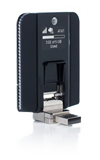
- With the Beam attached to your device, open AT&T AllAccess.
- Click the Settings icon.

- Click Wi-Fi Connection.
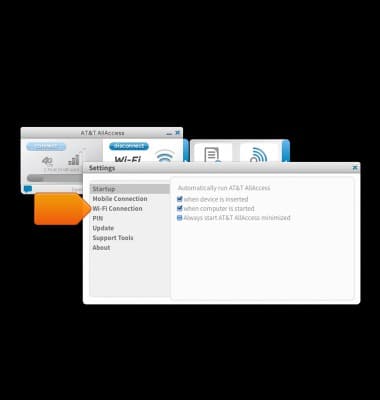
- To create a profile, click Create new.

- Enter the network SSID.

- Enter the network password.
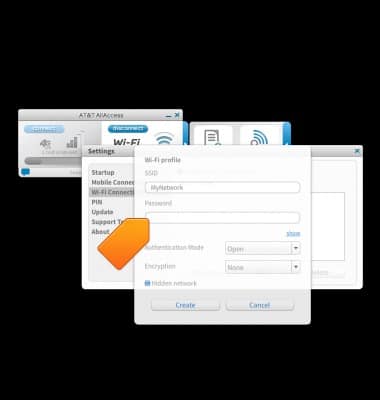
- Adjust the Wi-Fi network settings as needed.
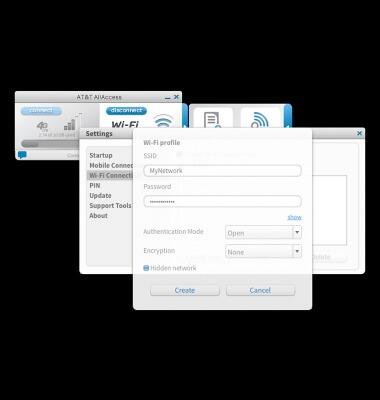
- Click Create to finish setup.
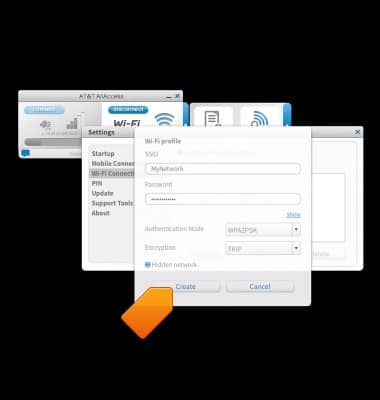
Create AT&T AllAccess Wi-Fi profile
Sierra Wireless Beam (AC340U)
Create AT&T AllAccess Wi-Fi profile
This tutorial shows how to create an AT&T AllAccess Wi-Fi profile.
INSTRUCTIONS & INFO

Starting December 31, 2022, the AT&T AllAccess app is going away. As a result, some features on your device may no longer be supported. You'll be able to view data usage and notifications on your myAT&T account page, and you can explore other options to stay connected with your device on the go. Learn more about mobile hotspot options.