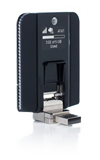
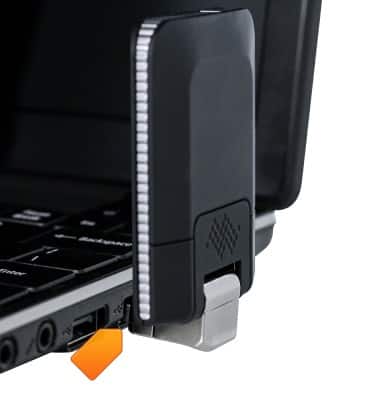
- The AT&T Beam can be attached by inserting the USB end of the Beam directly into an open USB port.
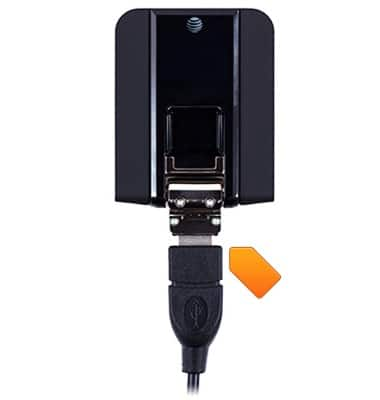
- To connect with a USB cable, insert one end of the USB cable into the port at the base of the device.
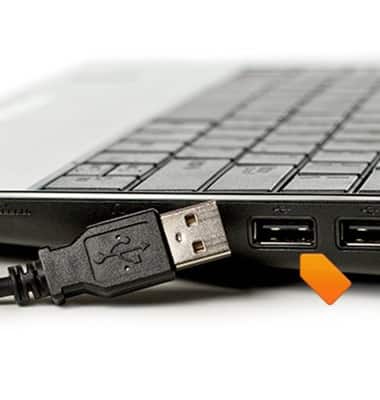
- Insert the other end of the USB cable into an open port on the computer. The device will power on automatically.
Connect to laptop
Sierra Wireless Beam (AC340U)
Connect to laptop
This article describes how to connect a laptop.
INSTRUCTIONS & INFO