- This device supports an external RF antenna for use in increasing the strength of the Beam's network connection.
Note: For more information, see the NETGEAR website.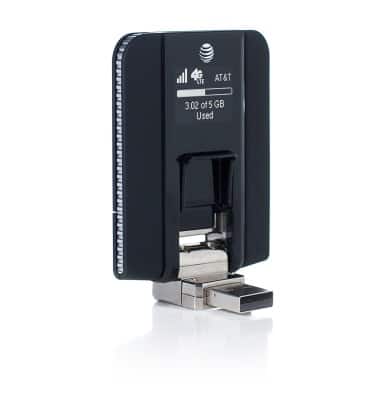
- To attach an external antenna, remove the Back panel of the device by pressing on the cover and sliding away from the device.

- The removed back panel will reveal two ports at the base of the device. Remove the External antenna cover from the desired antenna port, then attach the external antenna.

- Replace the Back panel by placing it over the device and sliding until the panel snaps into place.
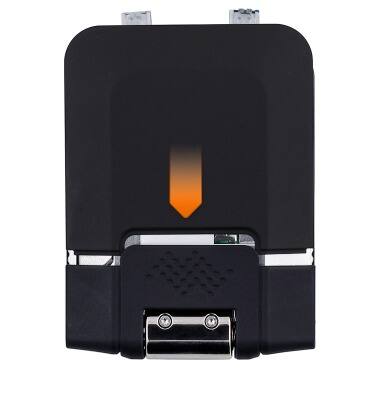
External antenna
Sierra Wireless Beam (AC340U)
External antenna
This tutorial reviews the external antenna of your device.
INSTRUCTIONS & INFO