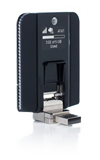
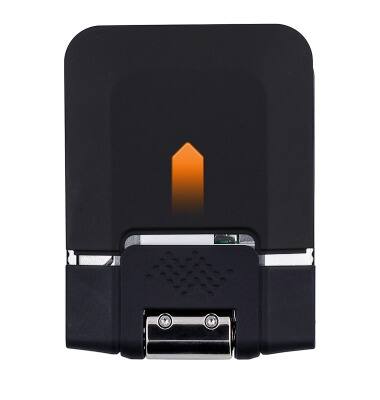
- Remove the Back panel of the device by pressing on the cover and sliding away from the device.
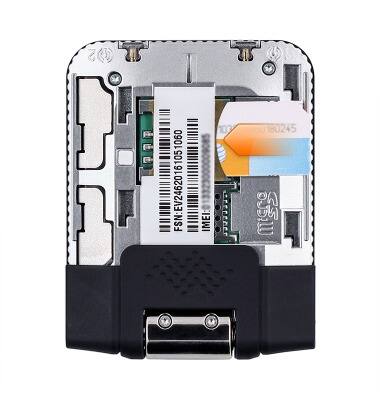
- Insert the SIM card into the SIM card tray, with the text and images on the card facing up.
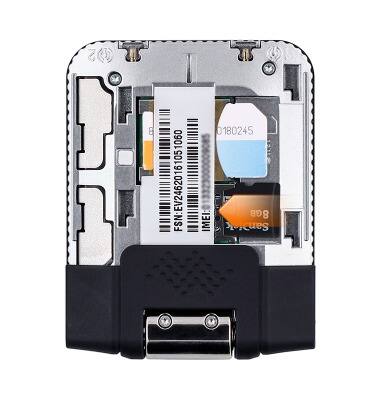
- Insert the Memory card into the SD card tray, with the text and images on the card facing up.
- Replace the Back panel by placing it over the device and sliding until the panel snaps into place.
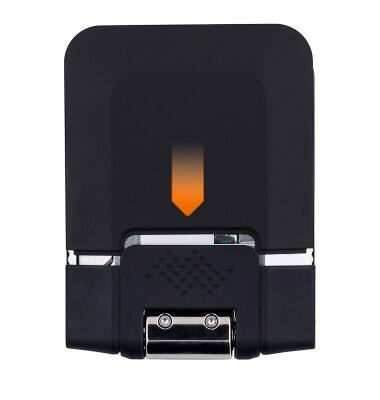
Insert SIM & memory card
Sierra Wireless Beam (AC340U)
Insert SIM & memory card
This tutorial shows how to insert the SIM and memory card into the device.
INSTRUCTIONS & INFO