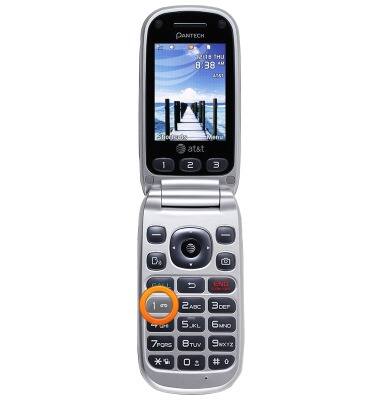
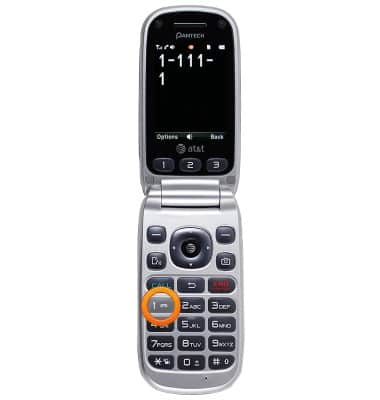
- Press and hold the '1' key to dial into your voice mailbox. For Wireless Home Phone, dial '1' from your connected phone.
- If prompted, enter your current voicemail password.
Note: If you've forgotten your password, reset your voicemail password.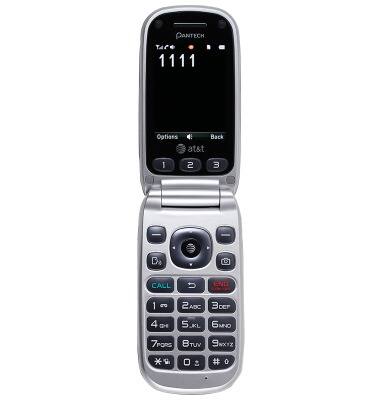
- Unheard messages will play automatically. If you don't have any unheard messages, press the '1' key to listen to your saved messages when prompted.
- After listening to each message:
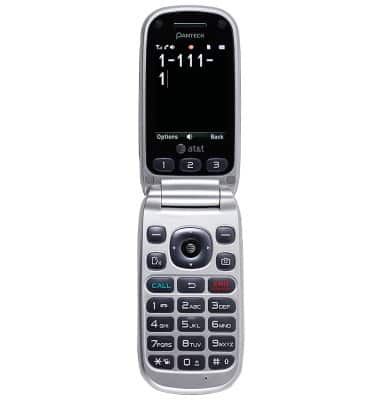
- To delete, press the '7' key.
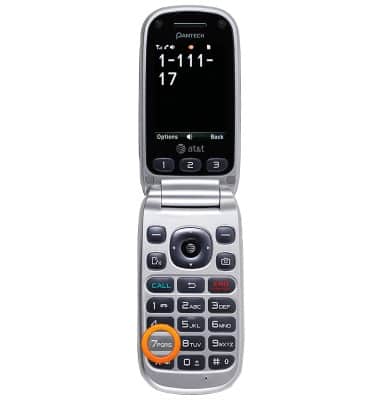
- To save, press the '9' key.
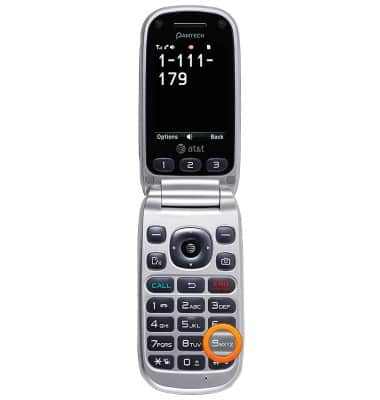
- To hear more options, press the '0' key.

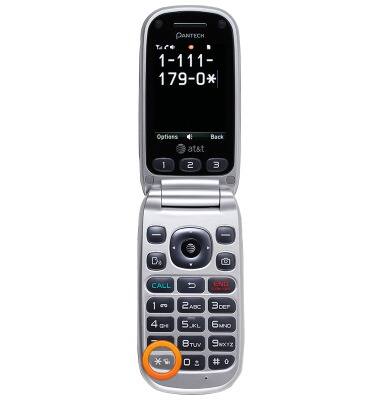
- To change voicemail settings, press the '*' key to access the Main Menu.
- Tap the '4' key to change your personal options.
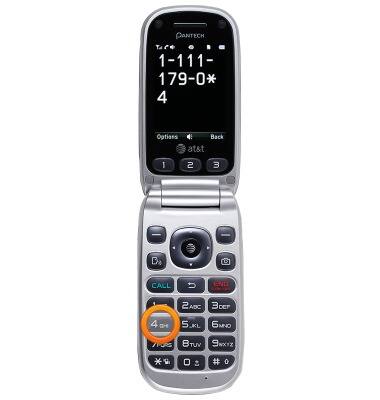
- To change your password, tap the '2' key, and then tap the '1' key to change your password. Follow recorded prompts.
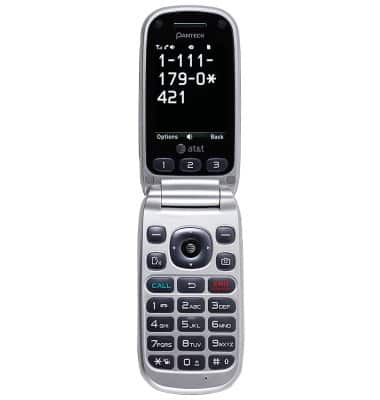
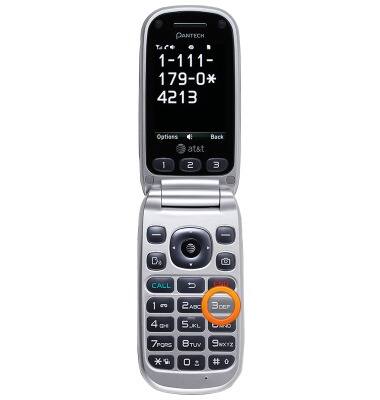
- To change your personal greeting, tap the '3' key. Follow recorded prompts.
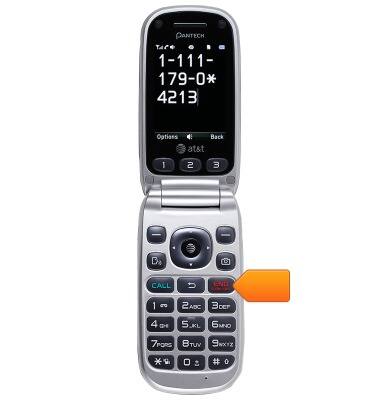
- When finished, end the call.
- View the Access Basic Voicemail tutorial for tips to manage your voicemail.
Note: Go to Troubleshoot Voicemail for solutions to common voicemail problems.
Access Voicemail
Pantech Breeze III (P2030)
Access Voicemail
Check your voicemail messages.
INSTRUCTIONS & INFO