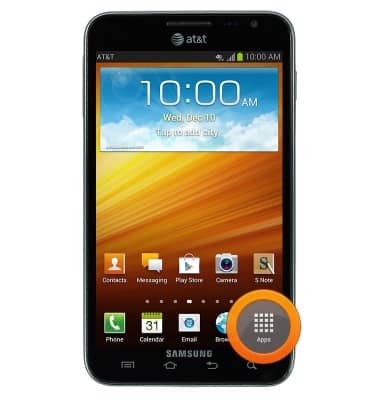
- From the home screen, tap Apps.
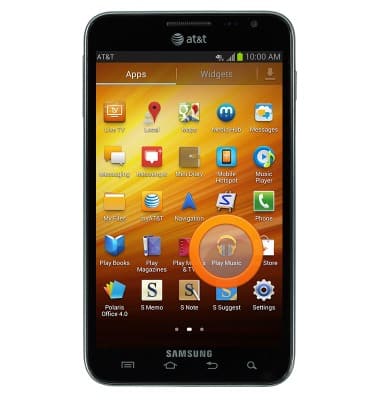
- Swipe to, then tap Play Music.
- Tap the Search icon.
Note: To add music to your device, you can purchase from Google Play or transfer music files from your computer to the device Music folder.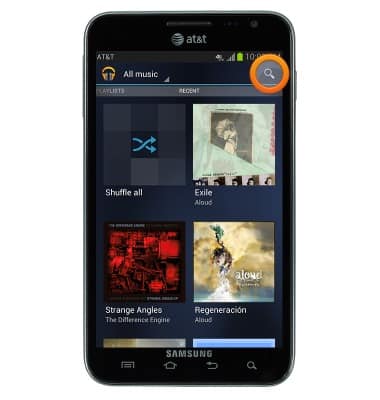
- Enter the name of the desired Artist, Album, or Song, then tap the Search key.
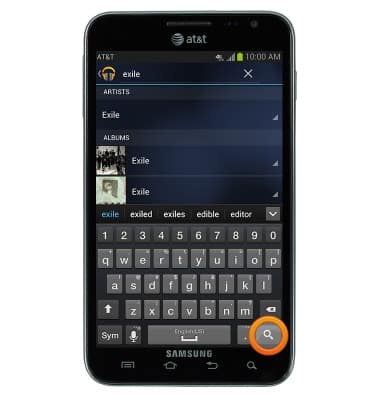
- Tap the desired Artist, Album, or Song.
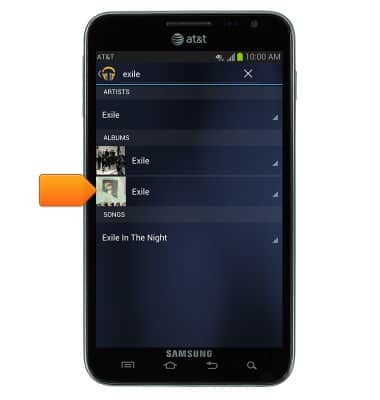
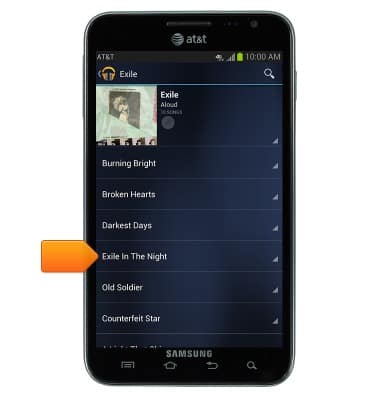
- Tap the desired song to begin playback.
- Tap the Seek Arrows to skip forward and backward between songs on the current album or playlist.
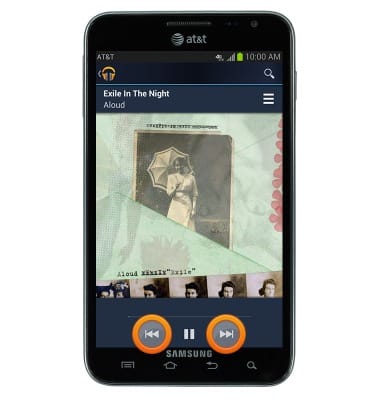
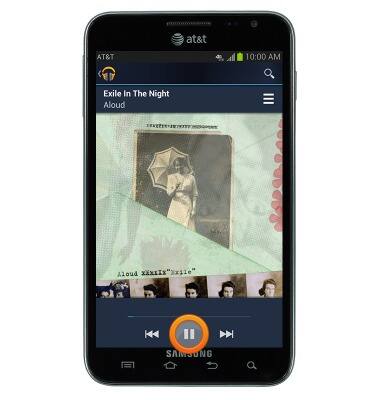
- Tap the Pause icon to pause playback.
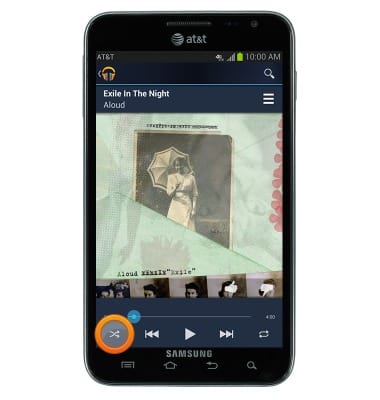
- Tap the Shuffle icon to shuffle through songs on the current album or playlist.
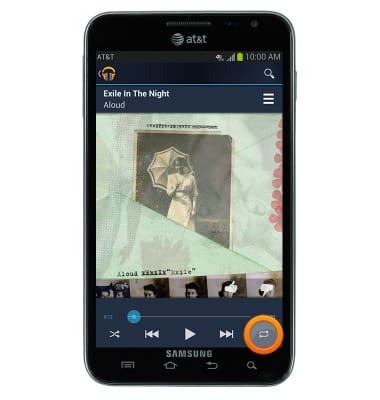
- Tap the Repeat icon to repeat the current song, album or playlist.
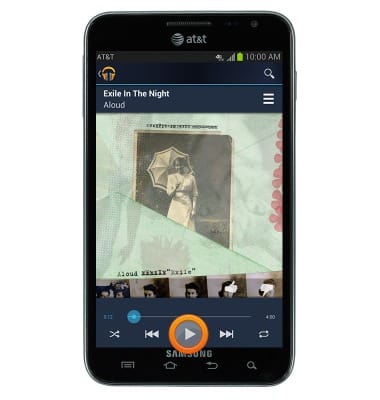
- Tap the Play icon to resume playback.
- While music is playing, the Play music icon will be displayed in the notifications bar.
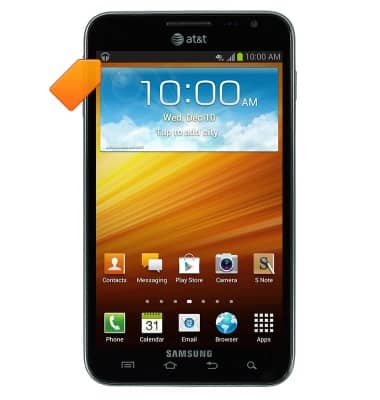
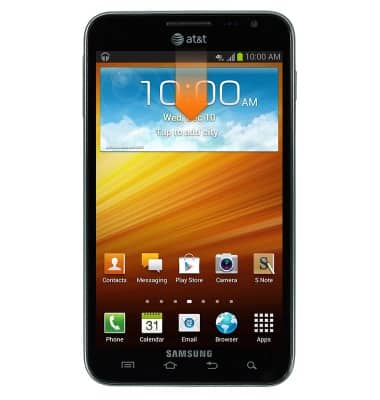
- To close the music player, swipe down from the notifications bar.
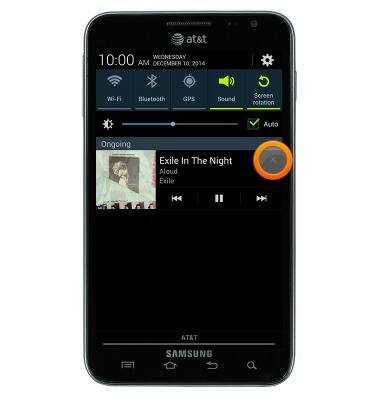
- Tap the X on the music player to close it.
Play music
Inseego MiFi 8000 (MiFi8000)
Play music
Play music, turn the music player off.
INSTRUCTIONS & INFO