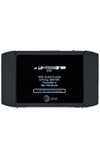
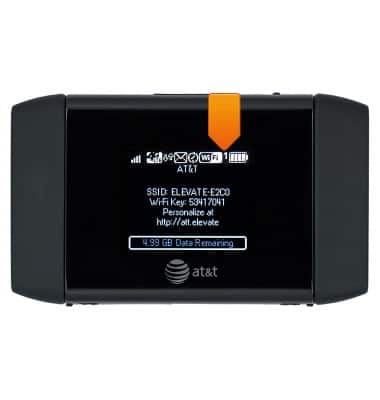
- The Wi-Fi icon displays the number of connected devices.
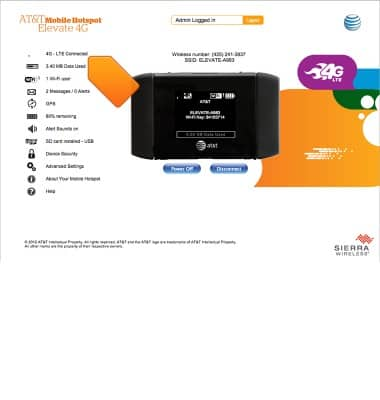
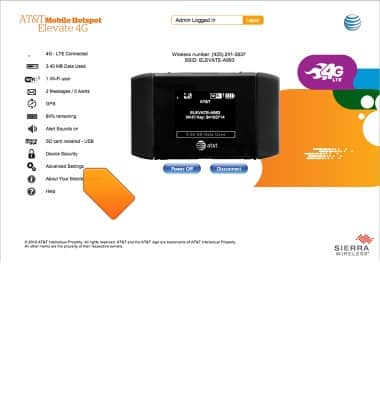
- From the Elevate Manager, click 4G - LTE Connected.
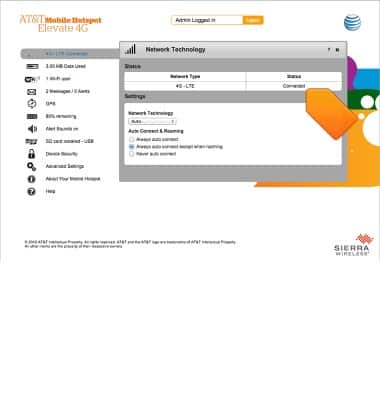
- The connection status will be displayed.
- To view advanced connection status details, click Advanced Settings.
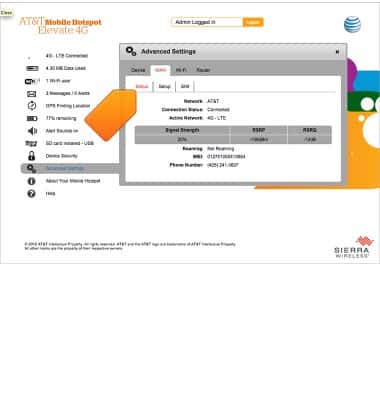
- Click Settings under the WAN tab. The advanced connection status details will be displayed.
Connection status
AT&T Mobile Hotspot Elevate 4G
Connection status
How to access and track current session data.
INSTRUCTIONS & INFO